Getting Started
RidingDesk is a campaign management platform built for Canadian federal, provincial, territorial, and municipal elections. This guide walks through every module so you can get a campaign team set up and running their ground game.
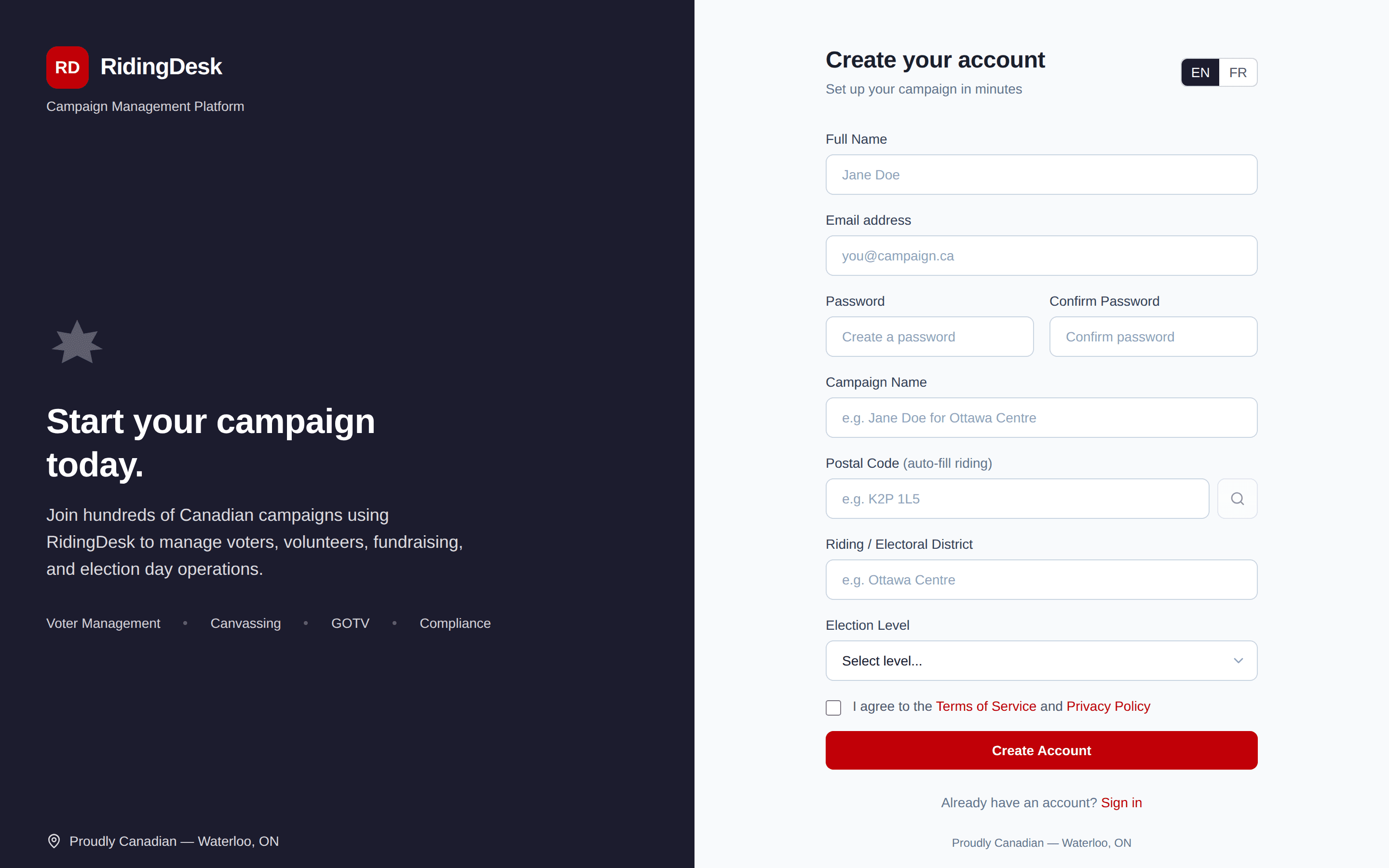
Sign up at /signup with your name, email, and a password. Click the verification link sent to your inbox (powered by AWS SES in our Canadian region), then set up your campaign — choose federal, provincial, or municipal, pick your riding from a searchable list of every Canadian electoral district, and enter your candidate name and election date.
After campaign setup you land on the dashboard. RidingDesk runs in any modern desktop browser and on phones — the platform is a Progressive Web App you can “Add to Home Screen” on iOS or Android for an app-like experience without an app store.
Dashboard Overview
The dashboard is the home screen after login. It shows campaign-wide totals at the top (voters in the file, doors knocked, calls completed, donations received, lawn signs deployed), a riding-level activity summary, and quick links into each module.
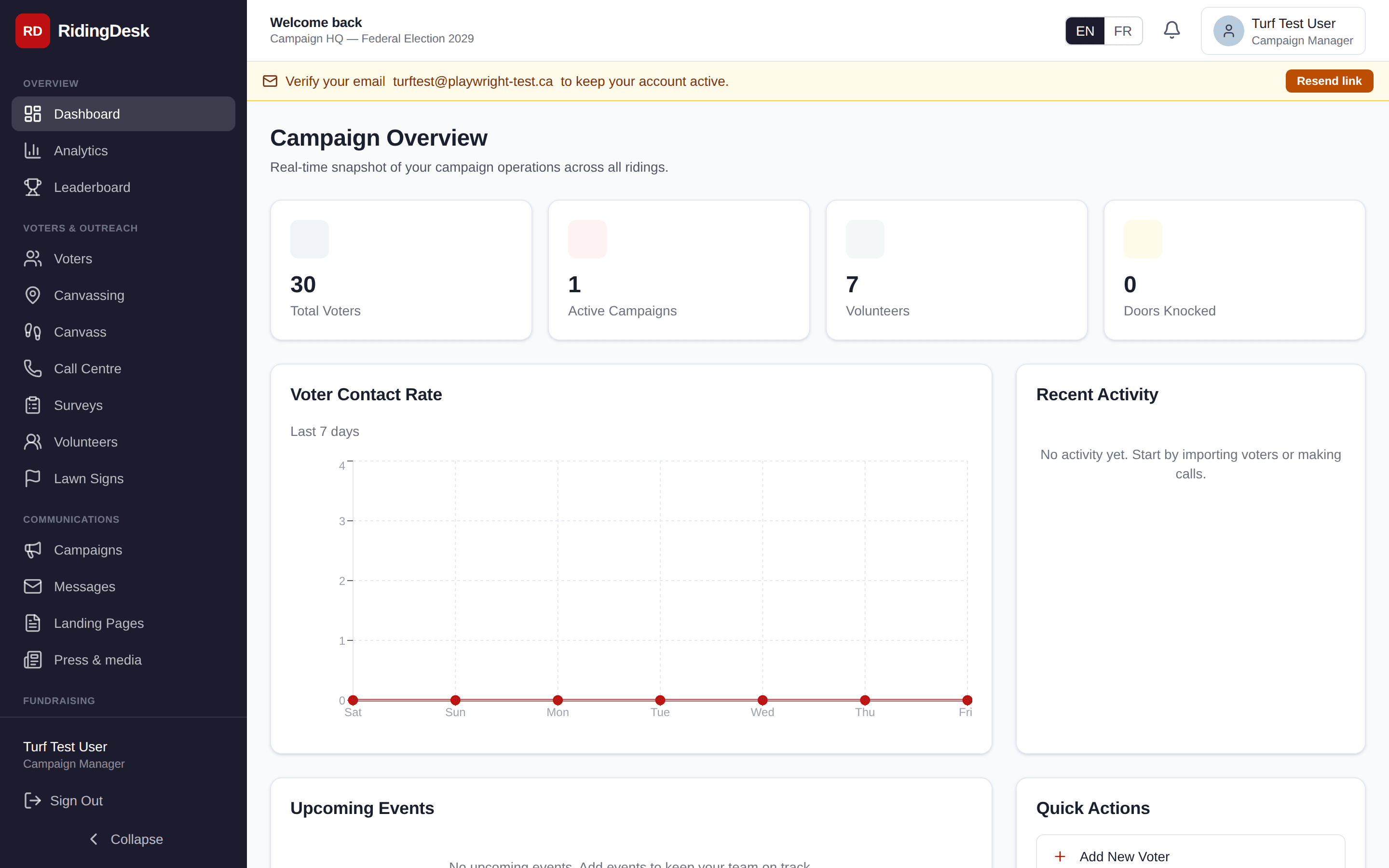
The left-hand sidebar contains every feature module. The set of items you see depends on your role — a Campaign Manager sees everything; Volunteers see a narrower view focused on their assigned canvassing or phone-bank tasks.
Voter Database
The voter database is the foundation of the campaign. Each voter record stores name, address, postal code, riding, poll division, support level, contact history, custom tags, and any volunteer notes. Voters are imported via CSV (see Data & CSV) and enriched as canvassers and phone bankers record interactions.
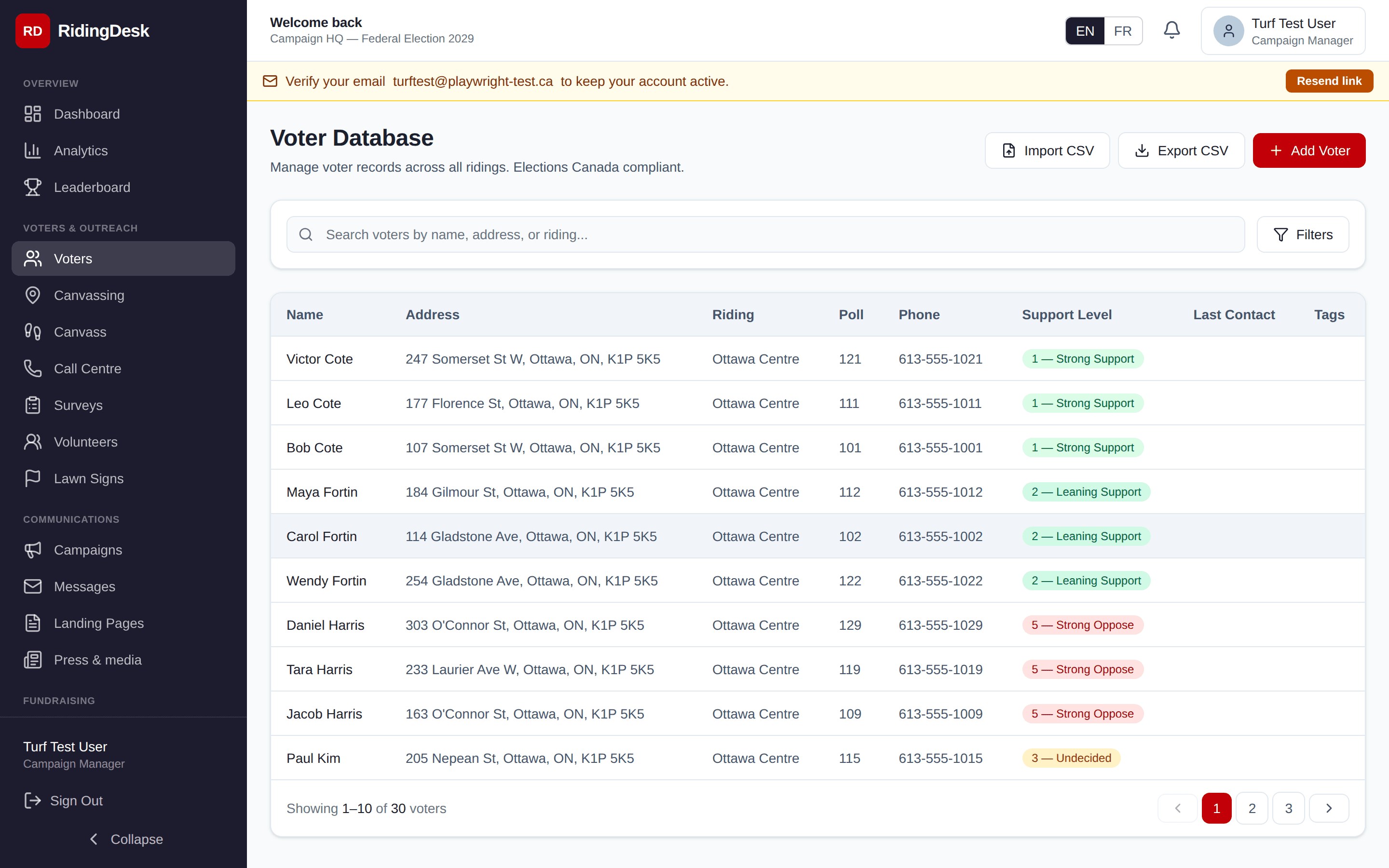
Filter by support level (Strong / Lean / Undecided / Soft Opposition / Strong Opposition), contact status, postal code, poll division, language, or custom tag. Save filters as reusable segments. Click a voter to open the detail view with the full interaction timeline. Bulk operations let you tag, segment, or move groups of voters in one go via /api/voters/batch.
Canvassing Operations
The canvassing module is the campaign-manager view: build walk lists, draw turfs on the riding map, assign volunteers, and watch progress come in. Walk lists can be built from a polygon you draw, a poll-division boundary, a street range, or a saved voter segment.
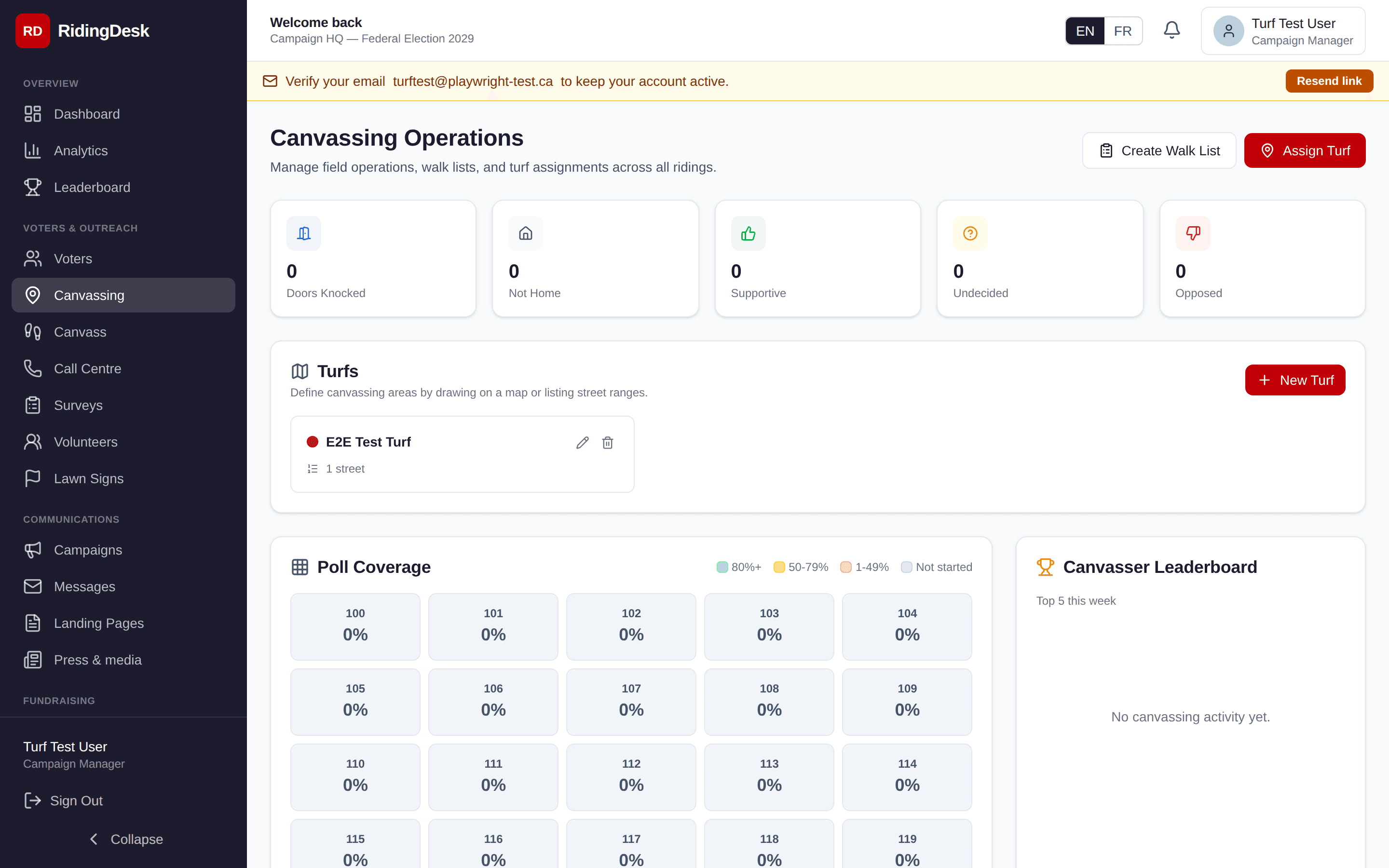
Turfs are reusable territory definitions stored against your campaign. A turf can be a polygon (drawn on the map and stored as GeoJSON) or a list of street ranges (e.g. “King St 100–299, even side”). Color-code turfs to organise canvassing teams.
A route optimizer that minimizes walking distance between assigned doors is on the roadmap. Planned
Mobile Canvassing / PWA
Field canvassers use /dashboard/canvasson a phone. RidingDesk is a Progressive Web App: open the site in mobile Safari or Chrome, choose “Add to Home Screen,” and you get a full-screen app icon — no app-store install required.
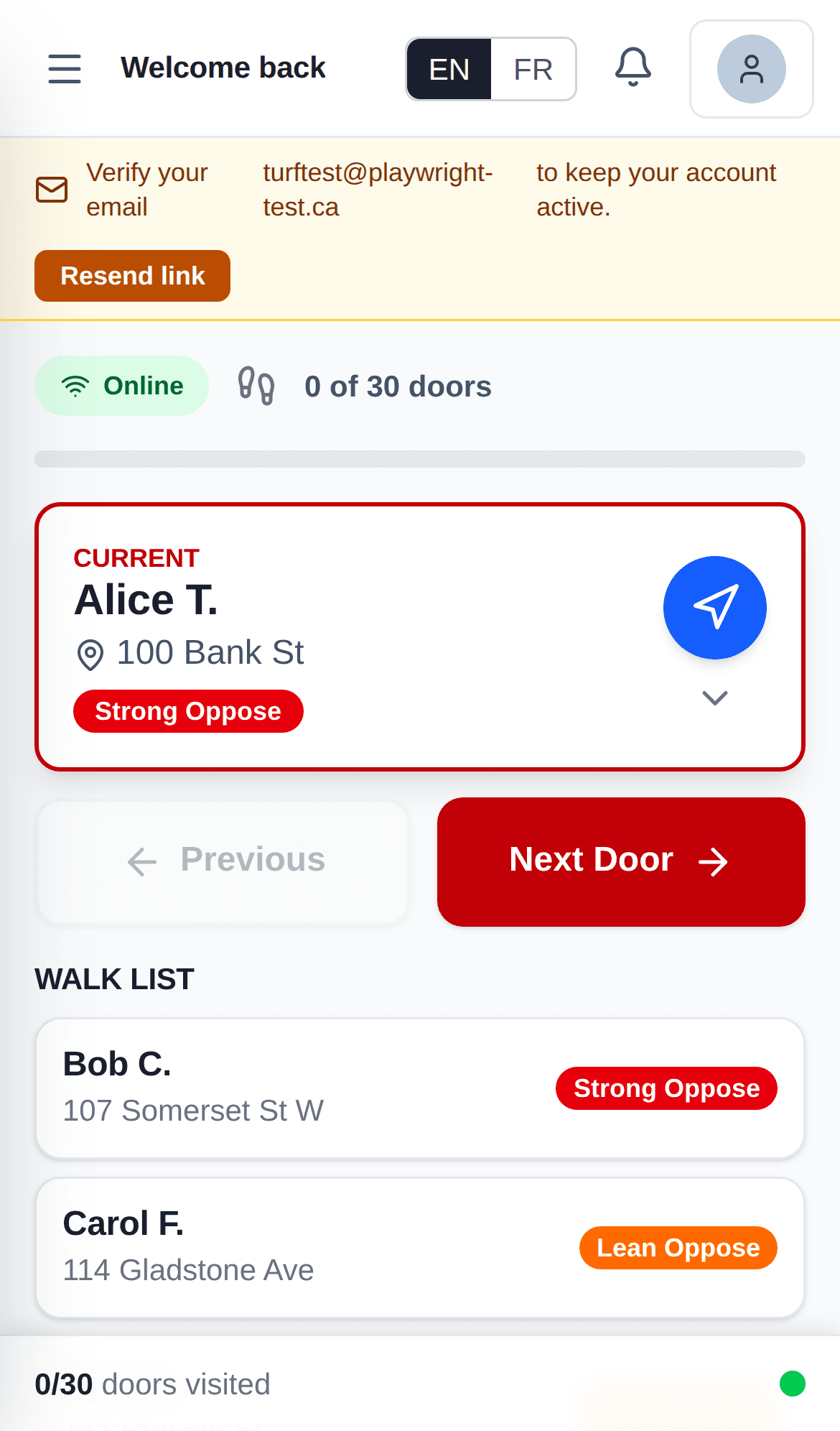
The canvasser view shows the assigned walk list ordered by proximity, a button to open turn-by-turn directions in the phone’s native maps app, and a single-tap voter ID response form. Offline mode is built in via a service worker and an IndexedDB-backed queue: interactions recorded without service are persisted locally and pushed up automatically as soon as the device reconnects.
A sync indicator at the top of the canvass view shows pending interaction count when offline. Each successful sync clears the queue.
Call Centre (Voters)
The Call Centre module is for voter ID phone banking. Volunteers receive a queue of voters to call, a script tailored to the campaign, and a single-screen logging form that records the disposition (reached / not home / refused / wrong number) plus support level and any notes.
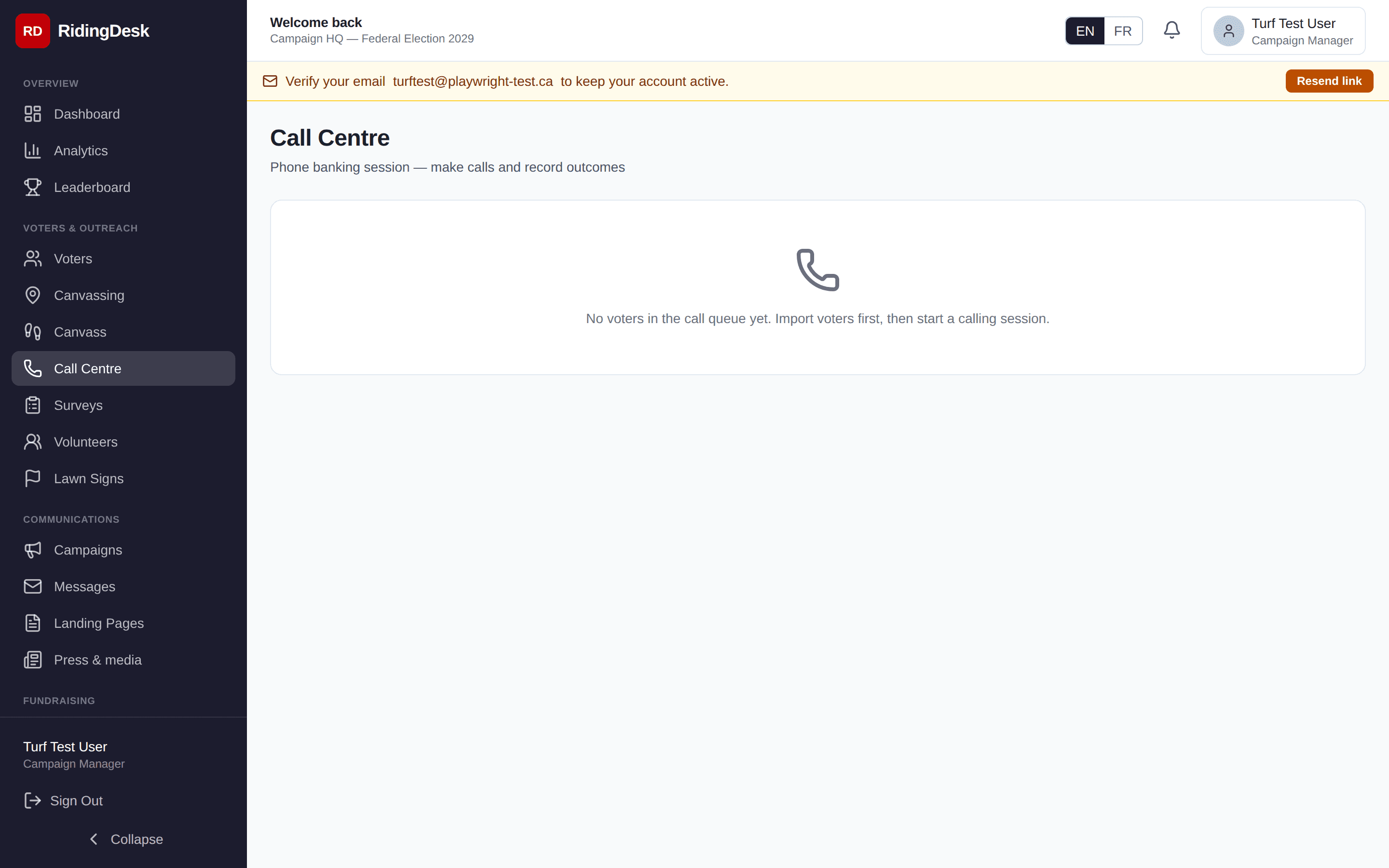
Calls are made on the volunteer’s own phone — tap the voter’s number to dial. A built-in browser-based softphone is on the roadmap. Planned
CRTC National Do-Not-Call List support is built in. Upload a DNC list to your campaign and any matched numbers are filtered from call queues automatically. The DNC check is also exposed at /api/dnc/check for use during voter import.
Call Time (Donors)
Call Time is a separate module designed for the candidate’s donor-calling time. Where the Call Centre is built around volunteer voter-ID volume, Call Time is a focused queue of past donors and prospects with one number, one ask amount, and one call result at a time.
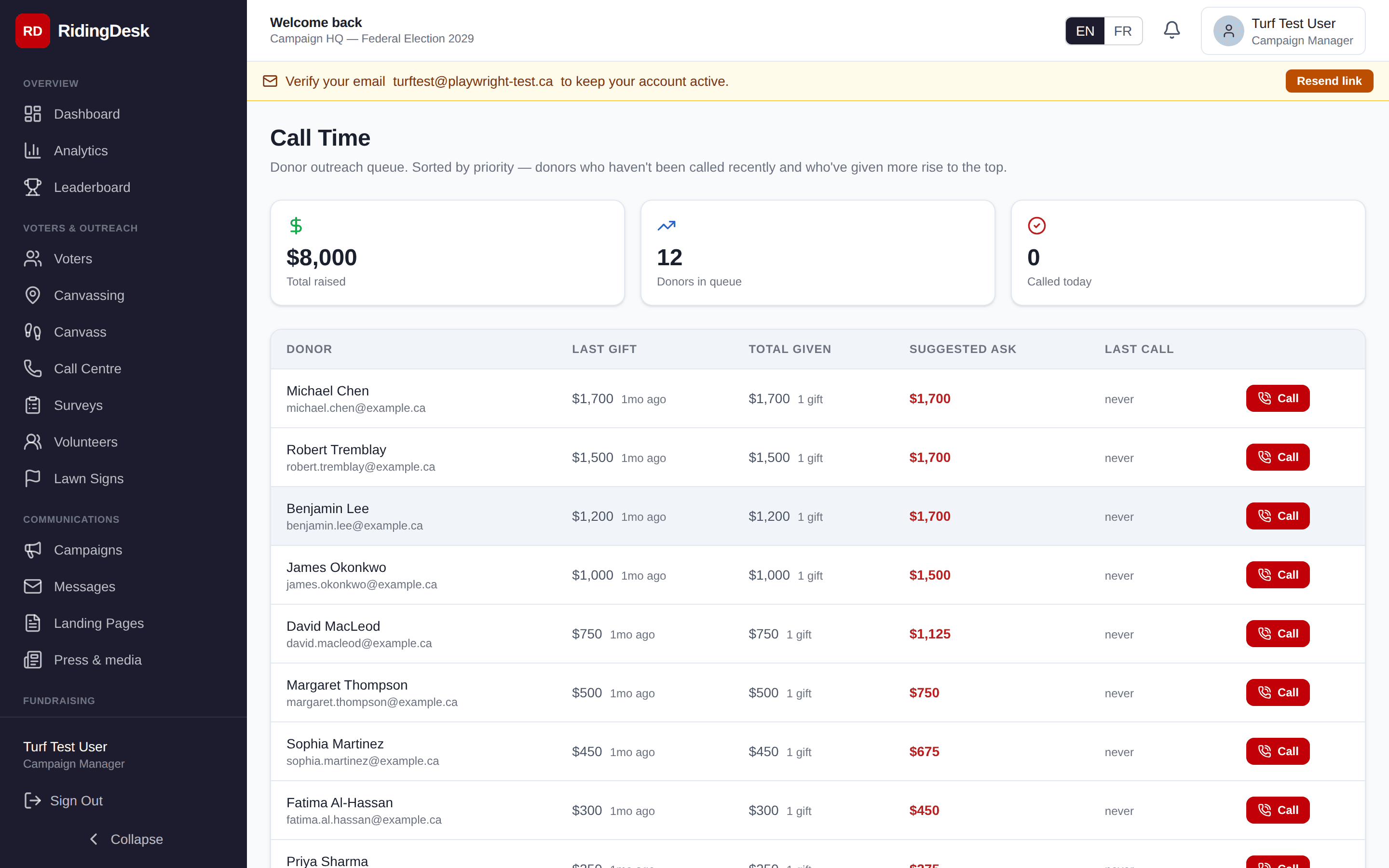
Each call captures the result (pledge / refused / call back / no answer), the pledged amount, and a brief note. Pledges flow into the fundraising pipeline so the campaign’s finance director can confirm and convert them.
Messages
Messages is the campaign’s email blast tool. Compose a message with subject and body (Markdown-style merge tags such as {{firstName}} and {{candidateName}} are supported), choose a recipient segment, and send. Outgoing email is delivered through AWS SES in the Canadian region.
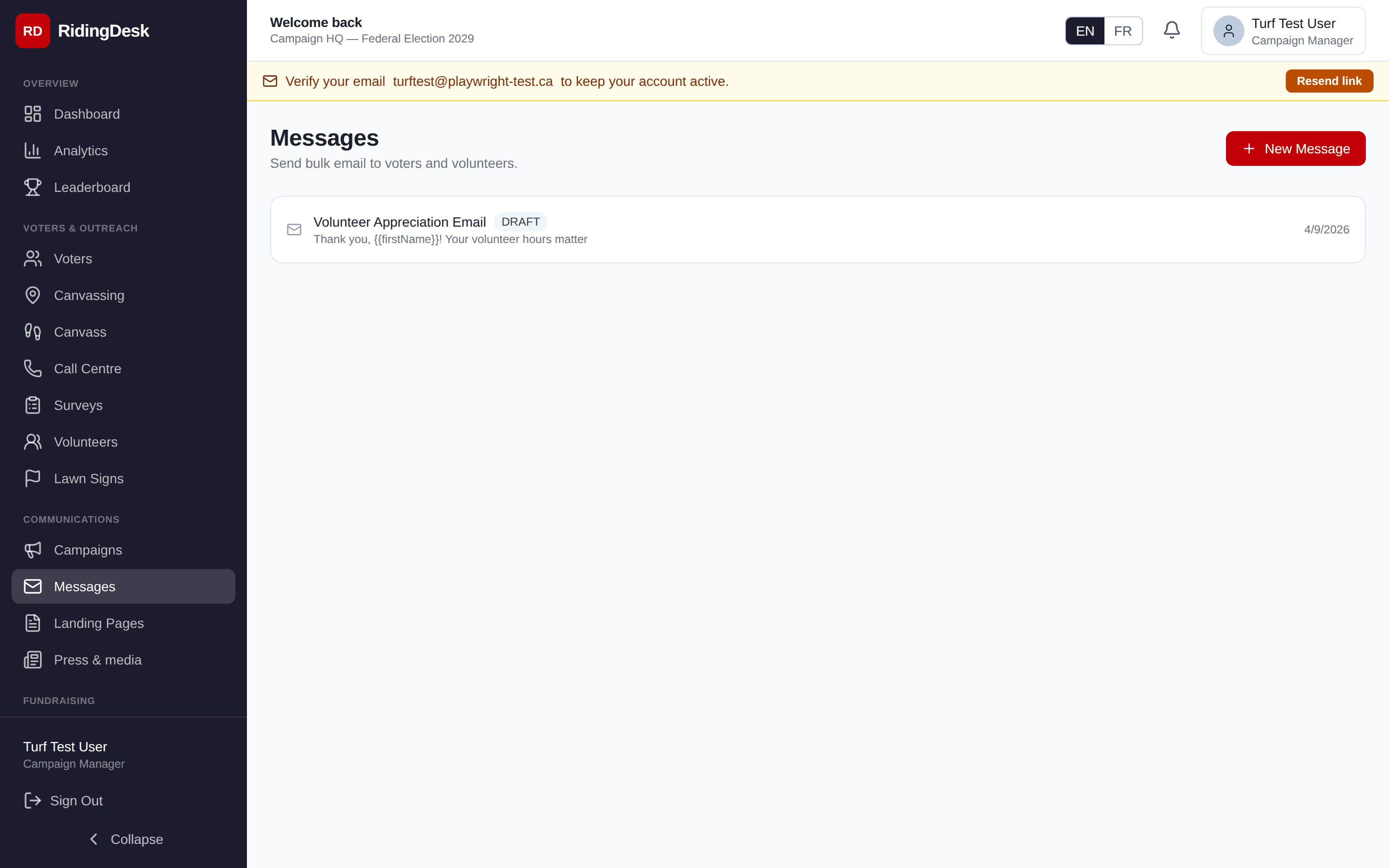
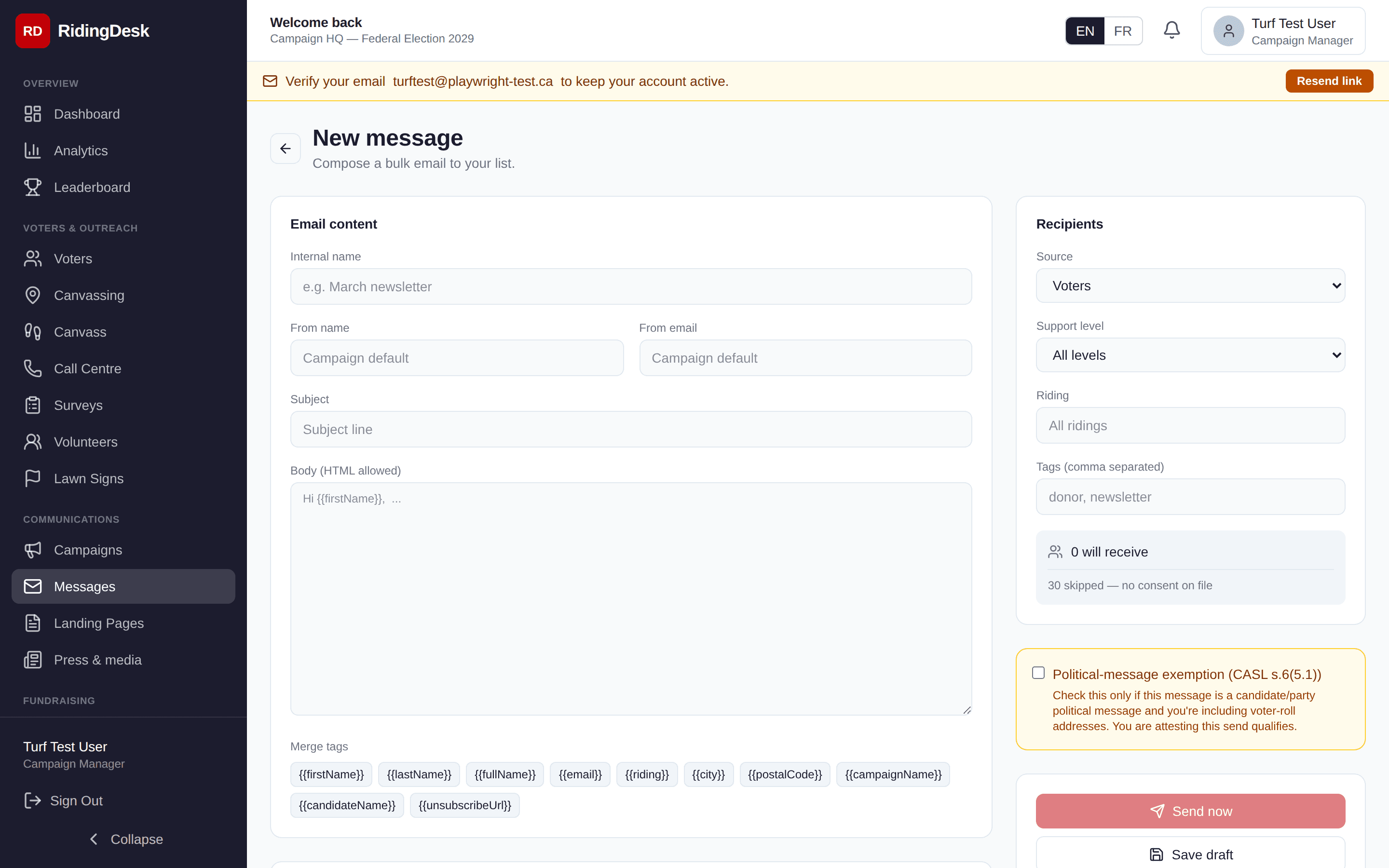
Every send writes a per-recipient row. Bounce, complaint, and delivery events from SES update those rows automatically (via the SNS-driven webhook), so you can see exactly which addresses received your blast and which didn’t. If bounce or complaint rates exceed safe thresholds mid-send, the run auto-pauses and the campaign’s send tier is restricted to protect the sender reputation.
A List-Unsubscribeheader (RFC 8058 one-click) is added to every email automatically, and a footer with an unsubscribe link is appended to the body. Opt-outs are tracked per-campaign so a recipient who unsubscribes from one campaign isn’t inadvertently re-mailed.
A drag-and-drop visual template builder, A/B subject-line testing, and outbound SMS blasts are on the roadmap. Planned SMS sending today is available via the public /api/sms/sendendpoint for integrations, but isn’t yet a first-class Messages workflow.
Surveys
Build short surveys to gather voter sentiment. Four question types are supported: multiple choice (single-select), yes/no, rating scale (1–5 or 1–10), and open text. Each question can be marked required or optional.
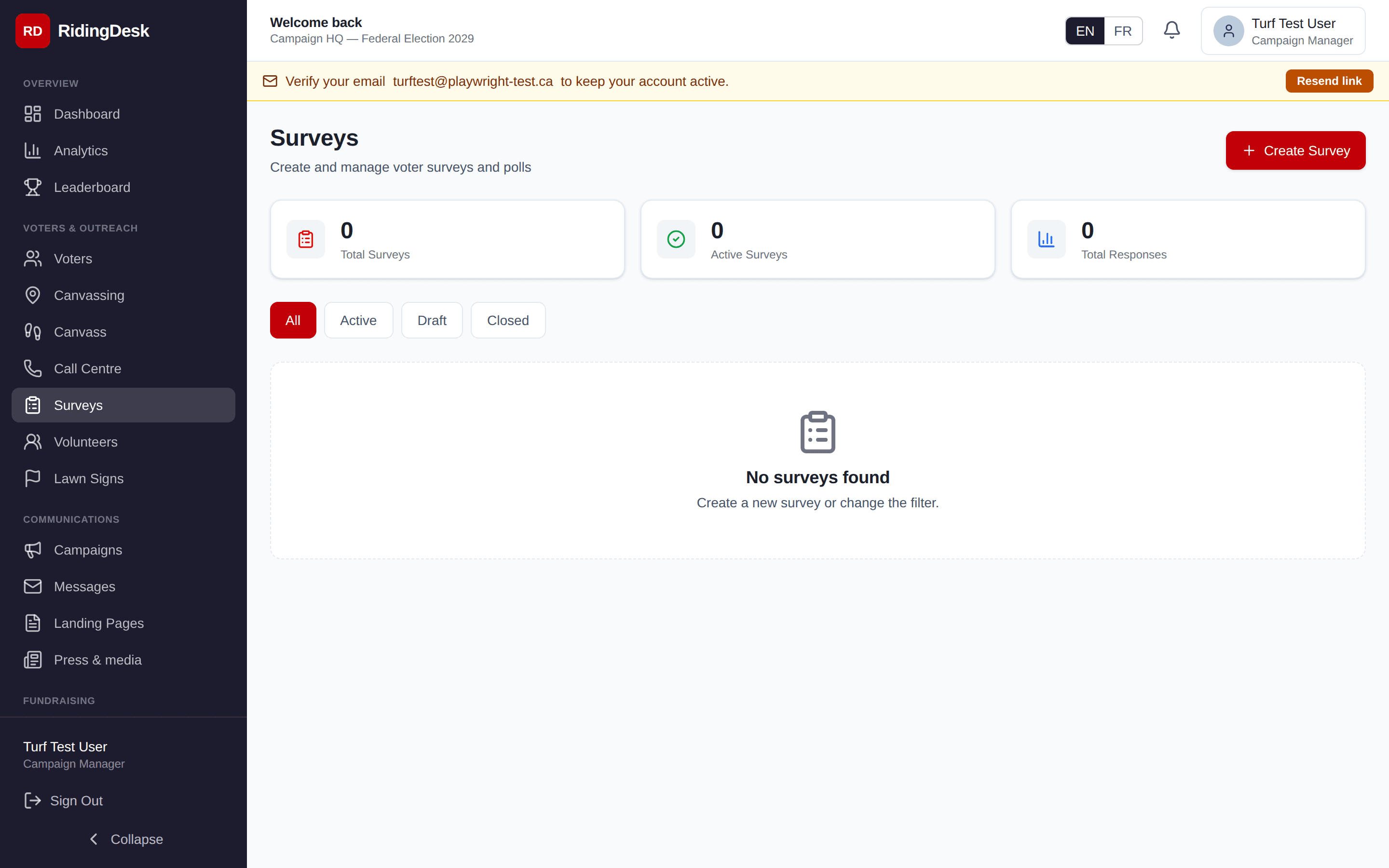
Survey responses are recorded against the responding voter when the survey is filled out via a link tied to that voter (e.g. through a personalized canvassing or email CTA). Responses can be exported to CSV for analysis.
Fundraising
The fundraising module records every donation against your campaign with donor name, full address, postal code, email, phone, amount, payment method, and timestamp. Every donation has a unique receipt number. Donations can be entered manually for cheques and cash or accepted online through donation pages (see below).
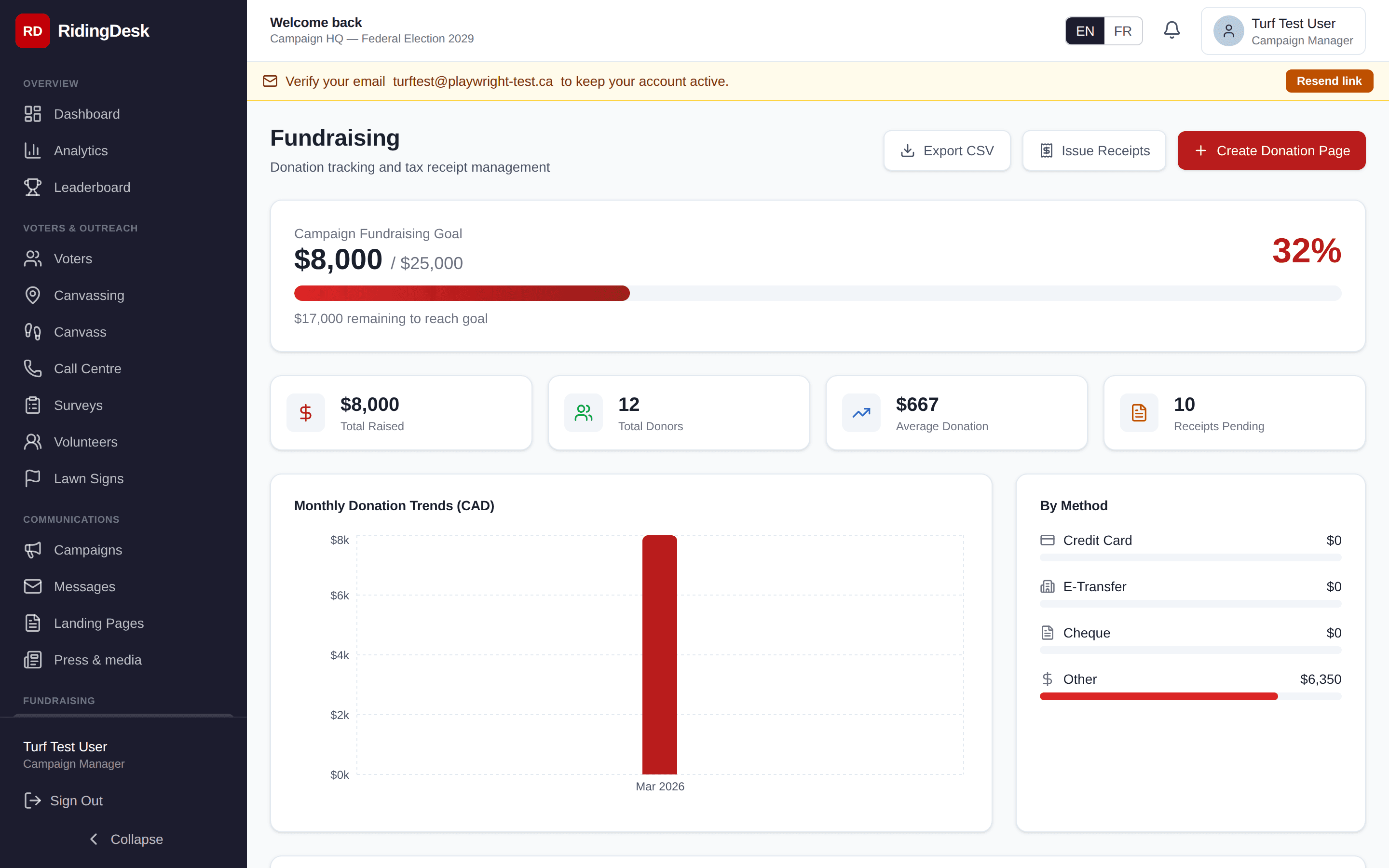
Online donations are processed by Stripe. The donation flow supports the standard Canadian political contribution disclosures (eligibility attestation, receipt generation). Each campaign has its own Stripe Connect account so funds settle directly to the campaign’s bank account.
A real-time tax-credit calculator on donation pages, recurring/monthly donations, in-kind contribution tracking, and pledge-to-donation reconciliation are on the roadmap. Planned
Lawn Signs
Lawn-sign requests are tracked through their full lifecycle: requested → approved → installed → collected. Each request stores the supporter’s address with latitude/longitude coordinates so signs appear pinned on the riding map.
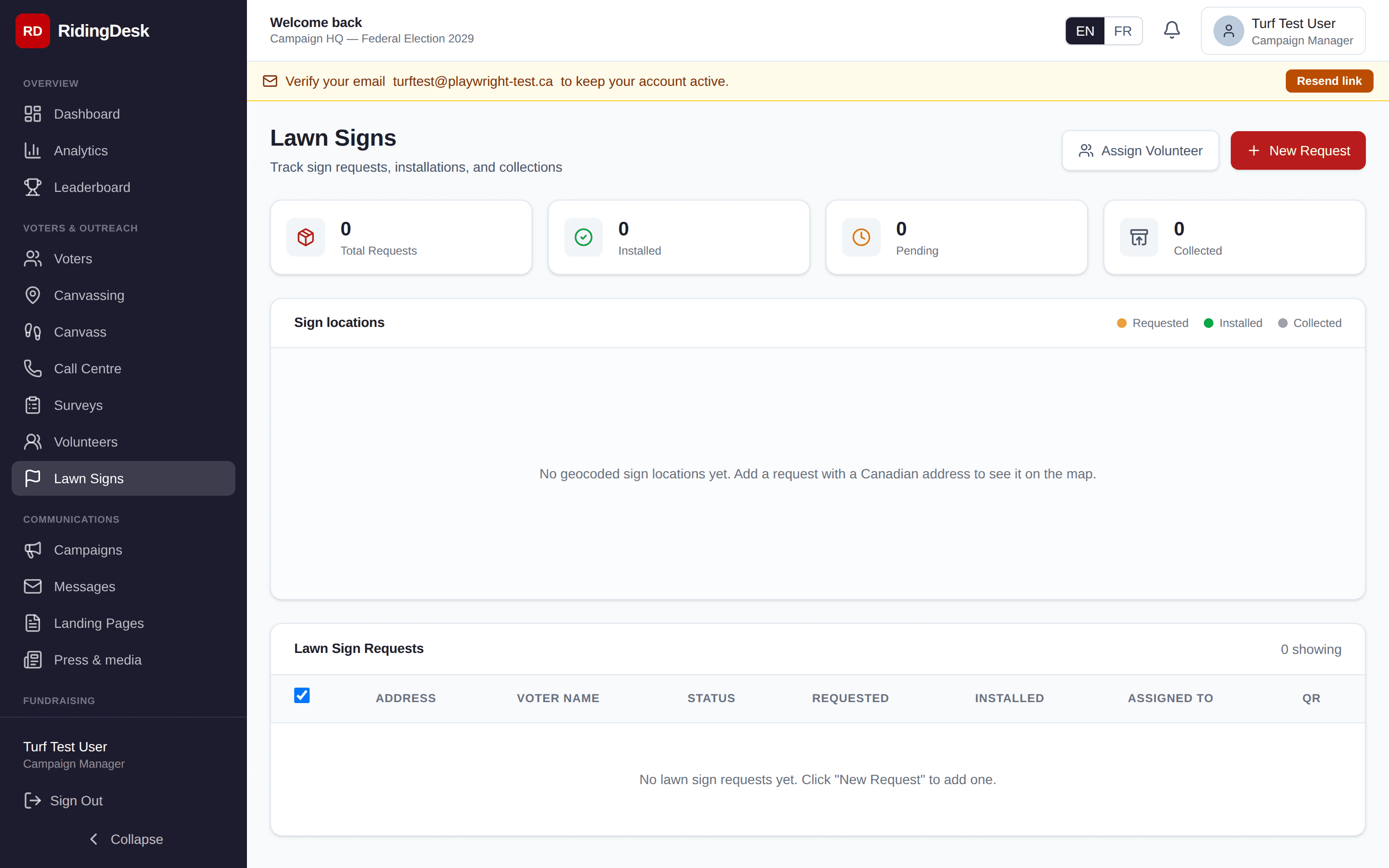
Click a pin to open the per-sign detail page: voter info, status timeline, lead captures from the public sign page, and the volunteer assigned to install. Status transitions write to the audit log.
Each sign also has a public detail URL at /sign/[id] that the candidate or installation crew can share with the supporter to capture endorsements or signatures. Optimised installation routing and inventory tracking are on the roadmap. Planned
Nominations
Most Canadian campaigns require collecting a minimum number of endorsement signatures from electors in the riding before being officially nominated — typically 100 for federal, 25–100 for provincial, varies for municipal. The Nominations module tracks this process end-to-end.
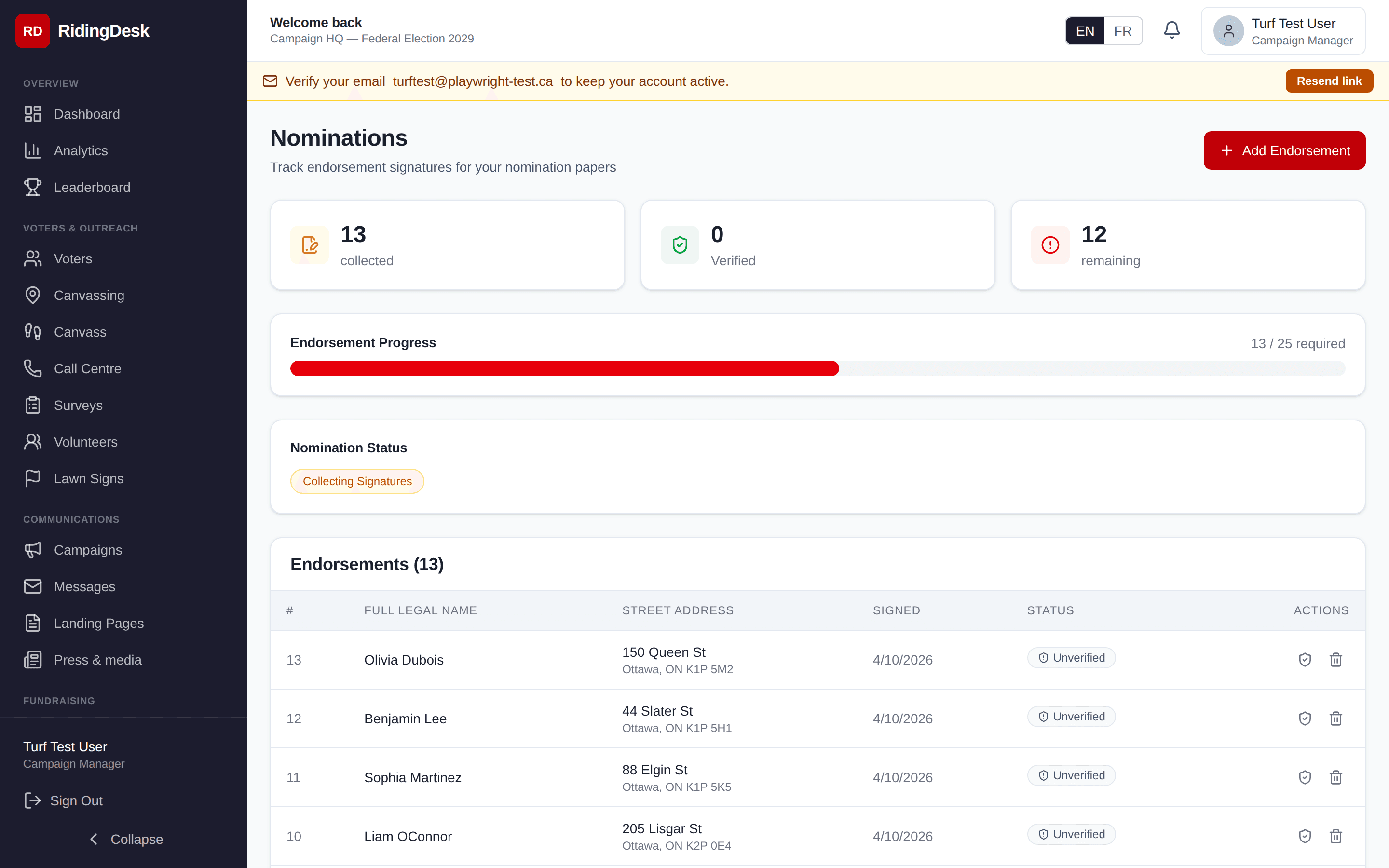
Configure the required endorsement count and filing deadline. Volunteers (or the candidate) record each endorsement with the elector’s name, address, postal code, signature date, and (where required) signature image. The dashboard shows progress against the target and flags any duplicate or out-of-riding entries that shouldn’t count toward the total.
Casework
Casework is the constituent-services module. Voters and constituents reach out with problems — immigration files stuck at IRCC, EI delays, ServiceOntario issues, potholes — and your office tracks each issue from intake to resolution. Open cases are visible from the dashboard so nothing falls through the cracks.
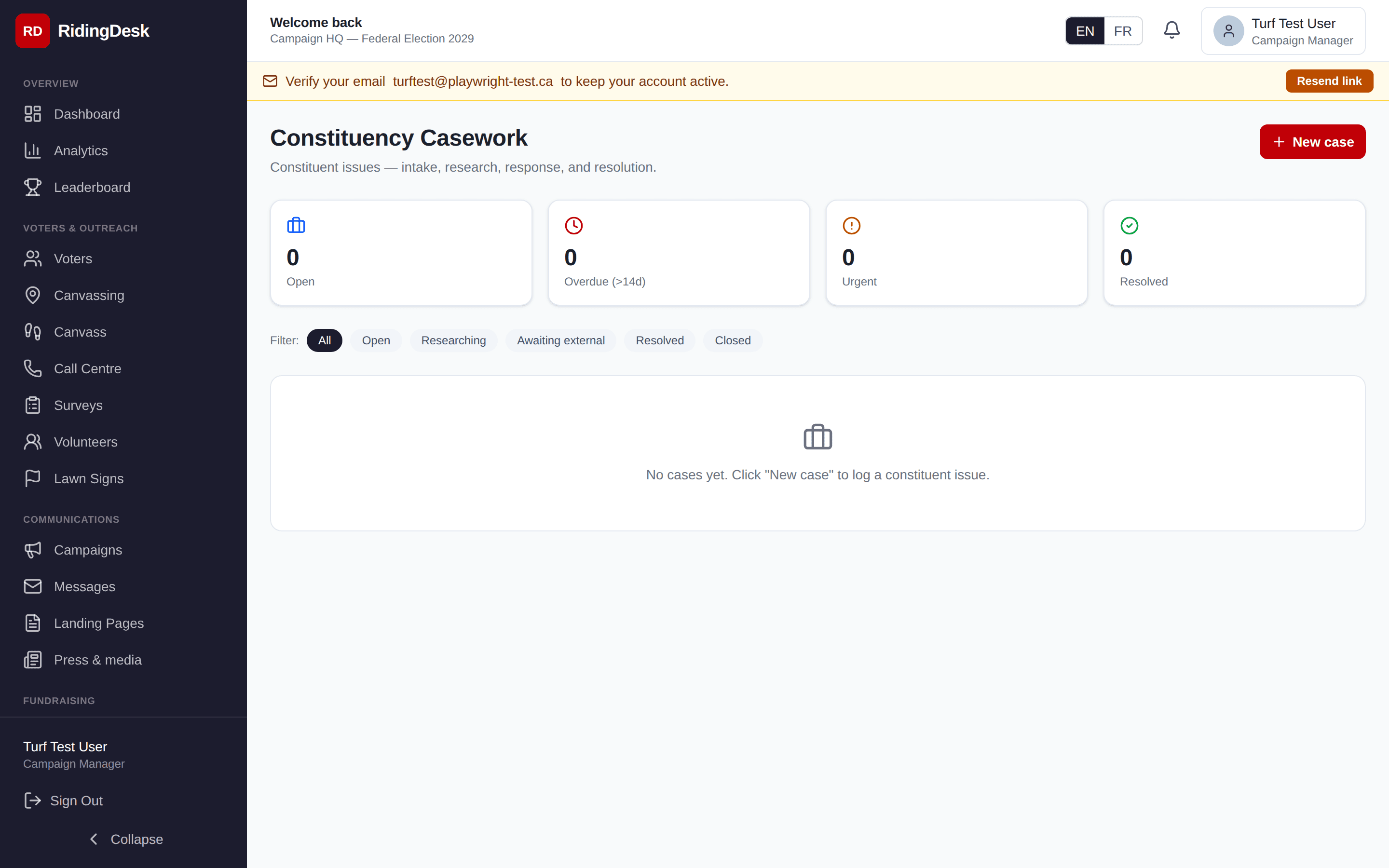
Each case has a human-friendly case number (e.g. C-2026-0042), a status (open / in progress / closed / escalated), a priority, an assigned staff member, and a free-form update timeline. Cases are linked to the originating voter where applicable so you build a record of help provided. Useful for incumbent MPPs/MPs and councillors as well as candidates running on a record of constituent service.
Press / Reporters
A focused contacts database for press relations. Each reporter record stores name, outlet (e.g. CBC News, Toronto Star), beat (e.g. City Hall, federal politics), contact info, and the campaign’s last interaction date and notes.
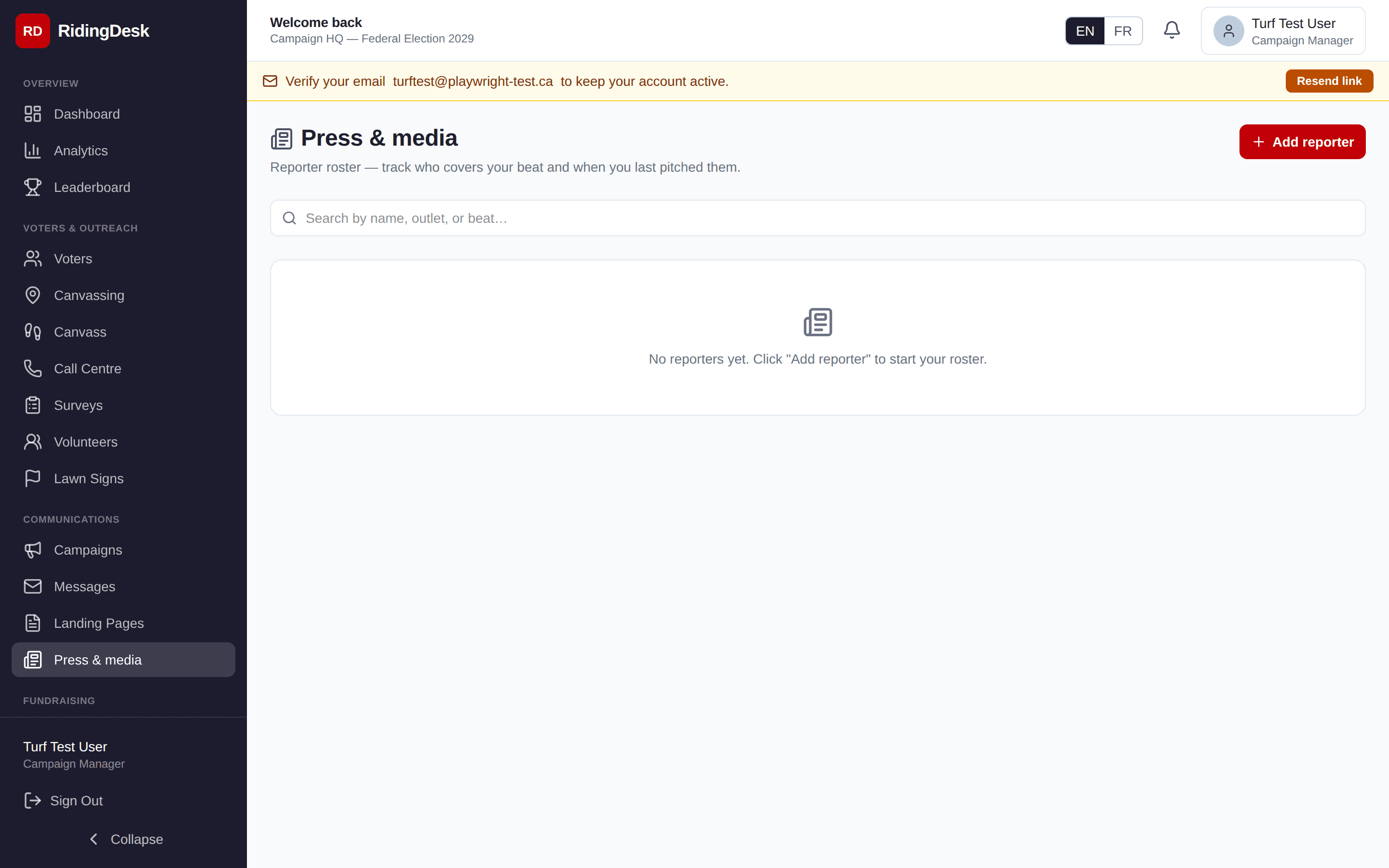
The communications lead uses this to stage releases, log interview requests, and keep track of which reporters have covered the candidate or campaign before. Distinct from the Messages module — reporter outreach is typically one-to-one, not blast.
Volunteers
Volunteers are the people powering canvasses, phone banks, sign drops, and election day. The volunteer roster stores contact info, availability, language(s), and any special skills. Each volunteer can be assigned to canvassing turfs and given a role that determines what they see in the dashboard.
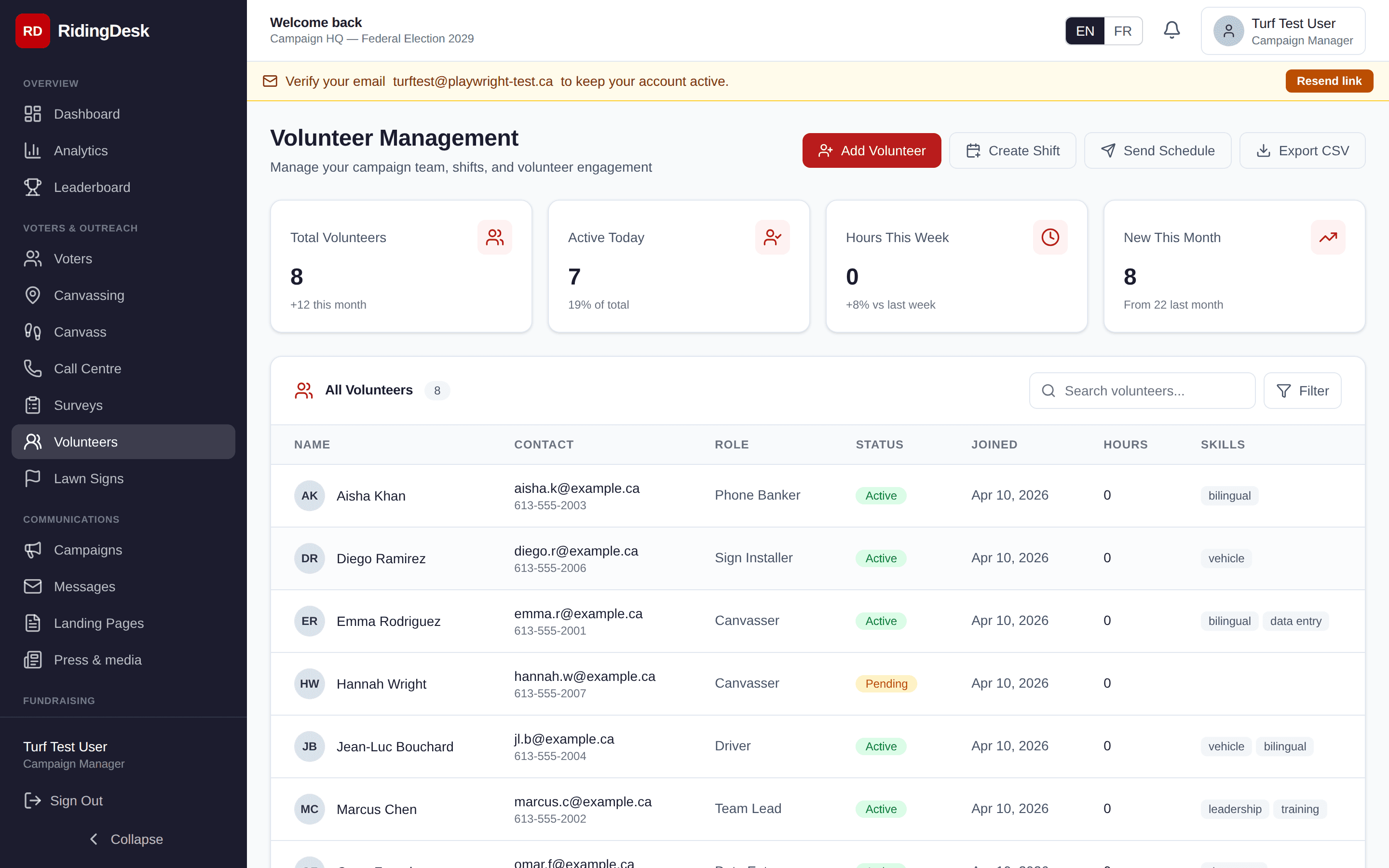
Hours logged are tracked per volunteer. Shifts can be scheduled and the system records attendance. Aggregate volunteer hours are exported as in-kind contributions when that’s required by your jurisdiction’s campaign-finance rules.
Leaderboard
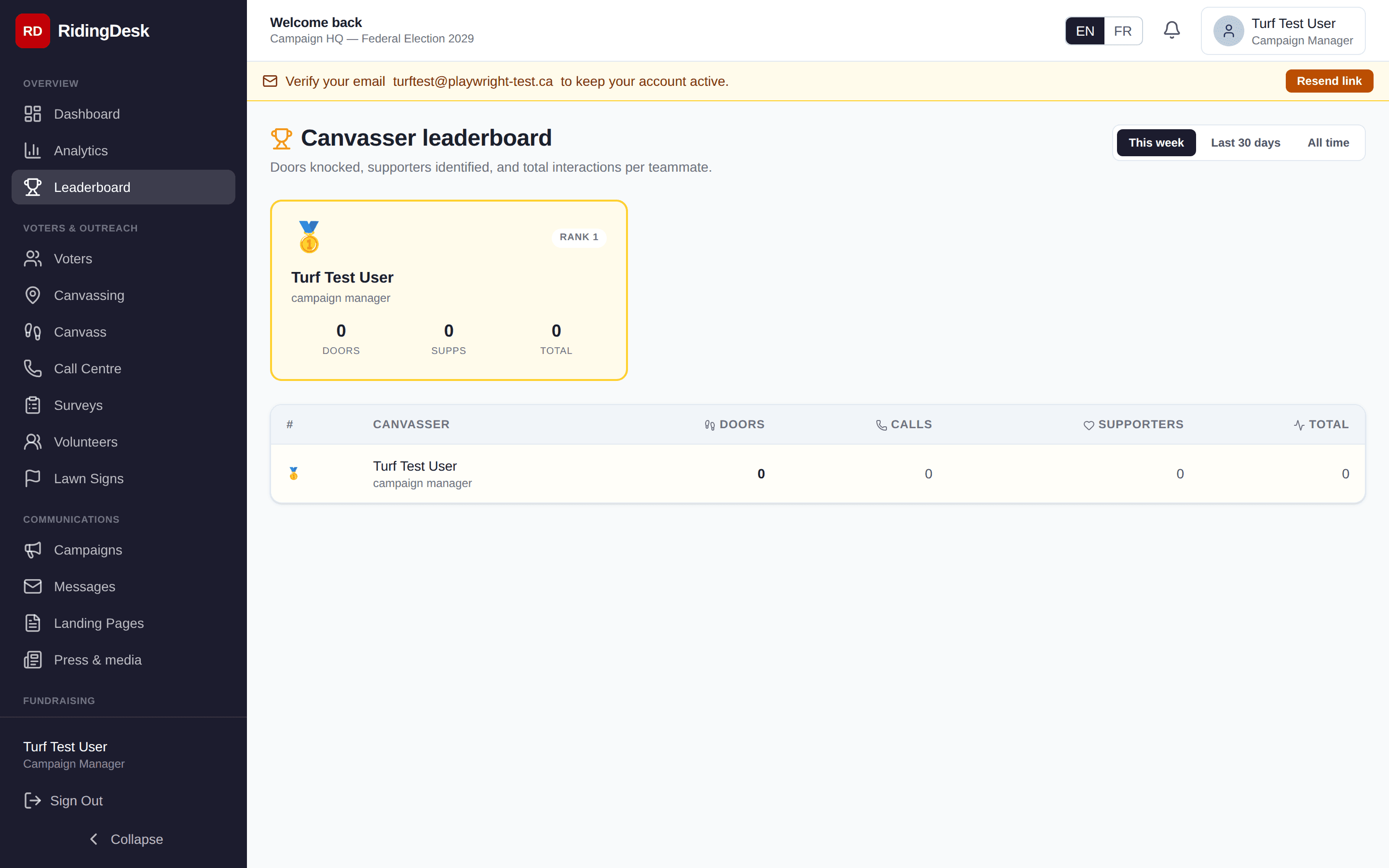
A friendly competition view ranking volunteers by doors knocked, calls made, and signs deployed over the last day, week, and campaign-to-date. Designed to surface high performers, recognise volunteer contributions at the next event, and give field directors a quick read on team activity.
Election Day
The Election Day module is the war-room dashboard for E-Day operations. It shows poll division status (open / closed / problem), GOTV activity by poll, scrutineer reports from polling stations, and a running tally of which of your identified supporters still need a knock or a ride to the polls.
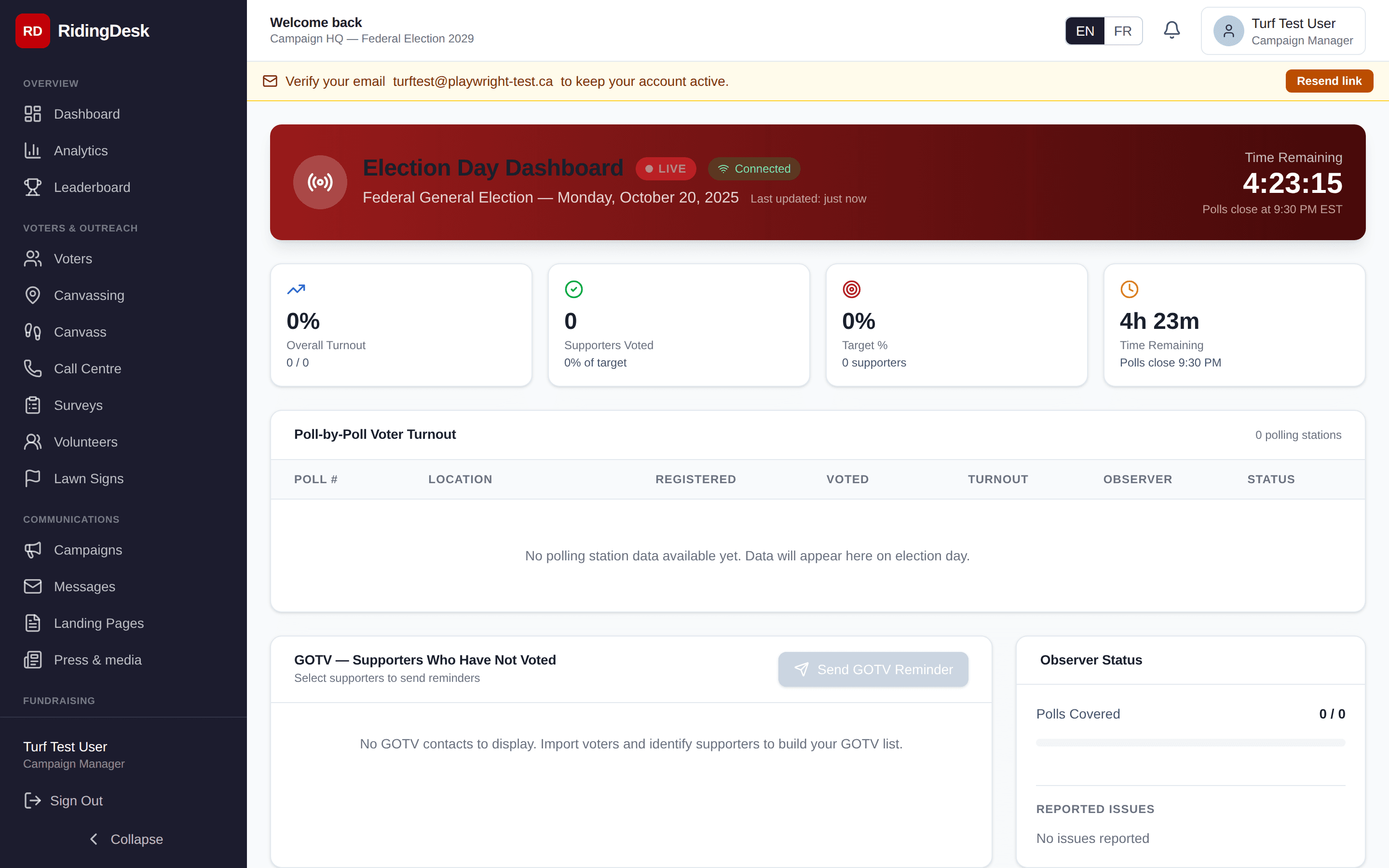
The dashboard refreshes via Server-Sent Events on /api/election-day/stream— you don’t need to refresh the page to see new data. As scrutineers report poll-by-poll turnout and your phone bankers log GOTV touches, numbers update live.
Landing Pages
Build hosted landing pages for the campaign — volunteer signup, event RSVP, petition, policy plank, donation. Each page lives at a unique slug (ridingdesk.ca/p/your-slug), has a configurable headline / body / call-to-action, and captures responses against the campaign.
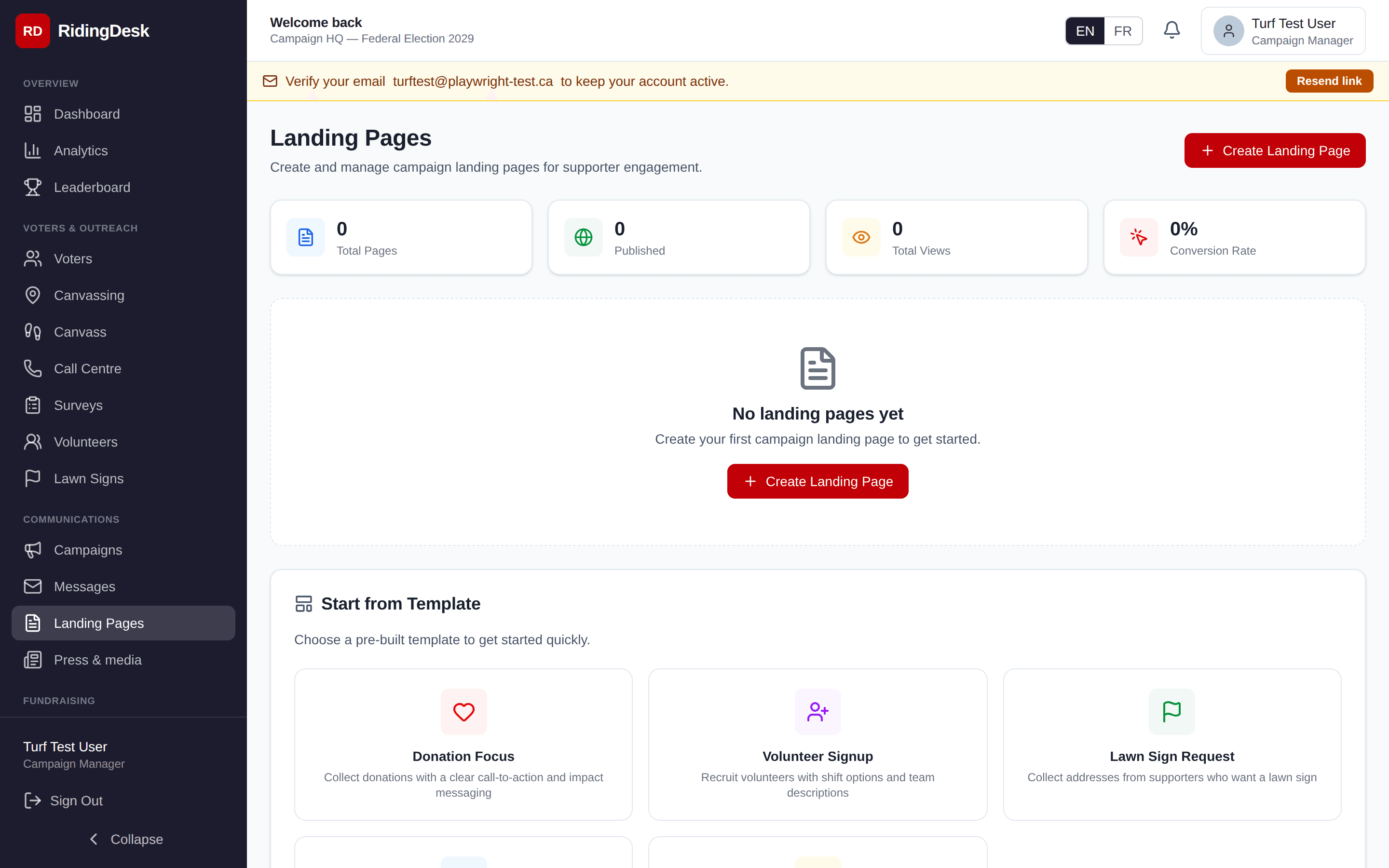
Pages render in either English or French based on the visitor’s language toggle, and they’re mobile responsive. A drag-and-drop visual editor, A/B variants, and custom-domain hosting are on the roadmap; today’s landing pages are configured via the form-style editor and published under the ridingdesk.ca/p/[slug] path. Planned
Donation landing pages are a separate first-class type at ridingdesk.ca/donate/[slug]. Each donation page has an associated Stripe checkout flow, an eligibility-attestation step, and a real-time progress bar against a fundraising goal you set.
Public Tools
A few tools on RidingDesk are publicly accessible — useful both as voter-engagement assets and as starting points for your campaign’s own outreach.
Find your election
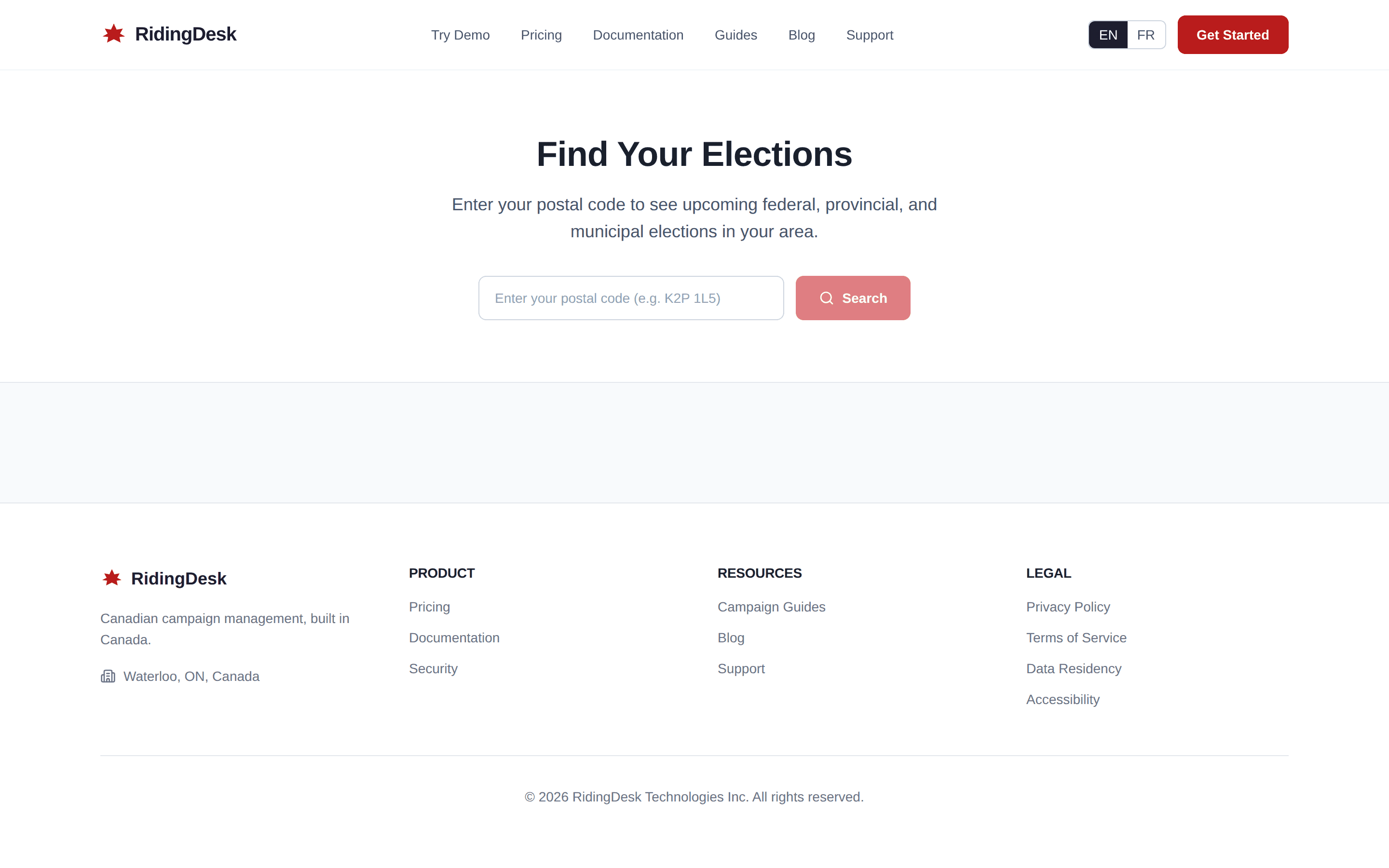
/find-elections is a public lookup tool. Visitors enter their postal code or address and the page returns every election at every level — federal, provincial, municipal — that they’re eligible to vote in. Useful to embed in a candidate’s personal site or share on social.
Embeddable postal-code widget
/embed/postalis an iframe-friendly version of the postal lookup that campaigns can embed in their own websites. CSP and X-Frame-Options are configured to allow embedding from any origin. Drop in a one-line iframe snippet and you have a “Find your candidate” widget on your site.
Public sign-ups
Volunteer sign-up, donation pages, and petitions are publicly reachable at the slug URLs from the Landing Pages and Donation Pages modules. Share these directly in emails, on social, on print materials, or via QR codes.
Analytics
The analytics module aggregates the data flowing in from canvasses, phone banks, surveys, and fundraising. The headline reports are voter ID distribution by poll division, contact-rate trend over time, support-distribution breakdown, and volunteer-activity totals.
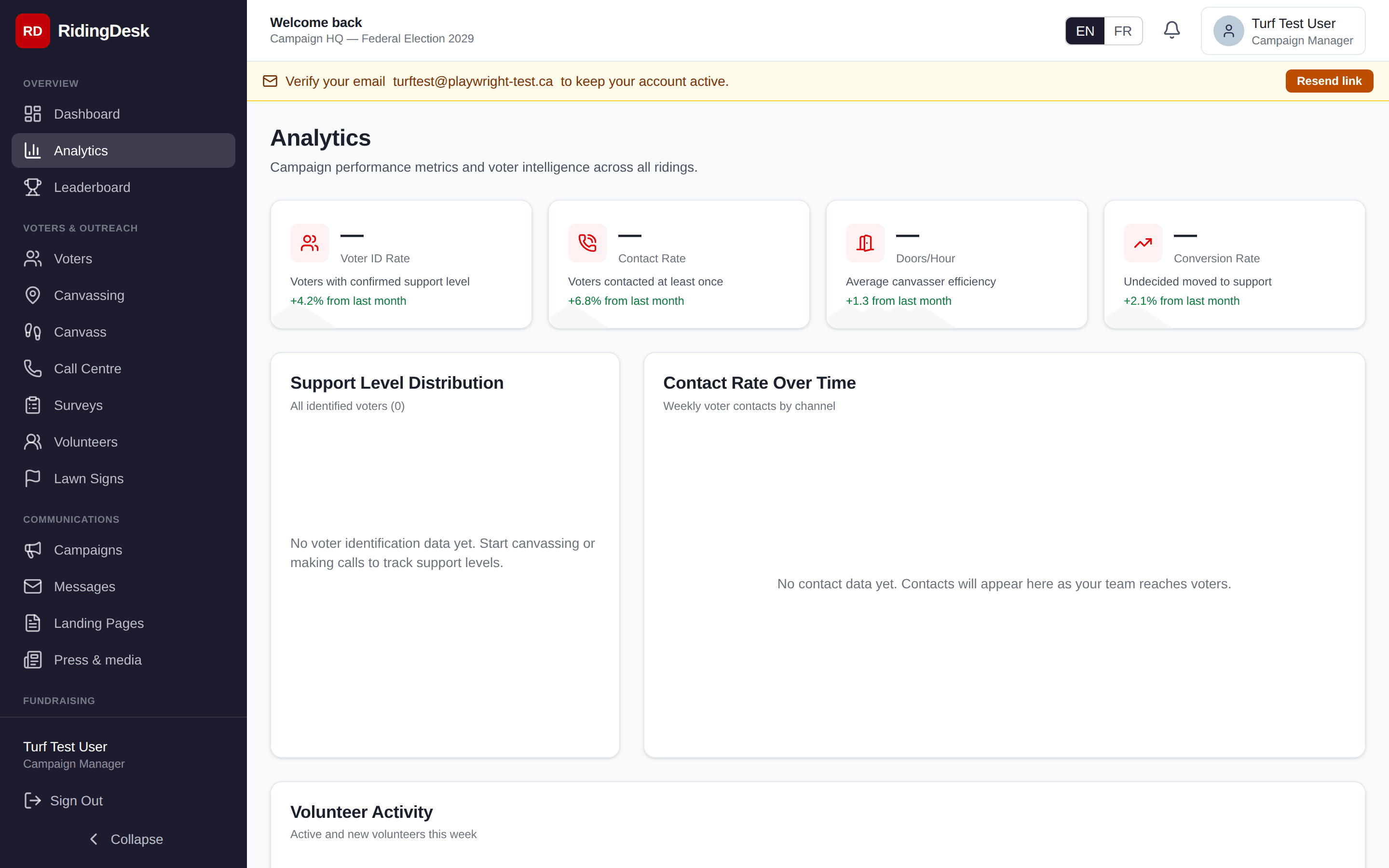
Filter by date range and poll division. Each chart can be exported as CSV. Predictive vote-share modelling and PDF report export are on the roadmap. Planned
Data & CSV
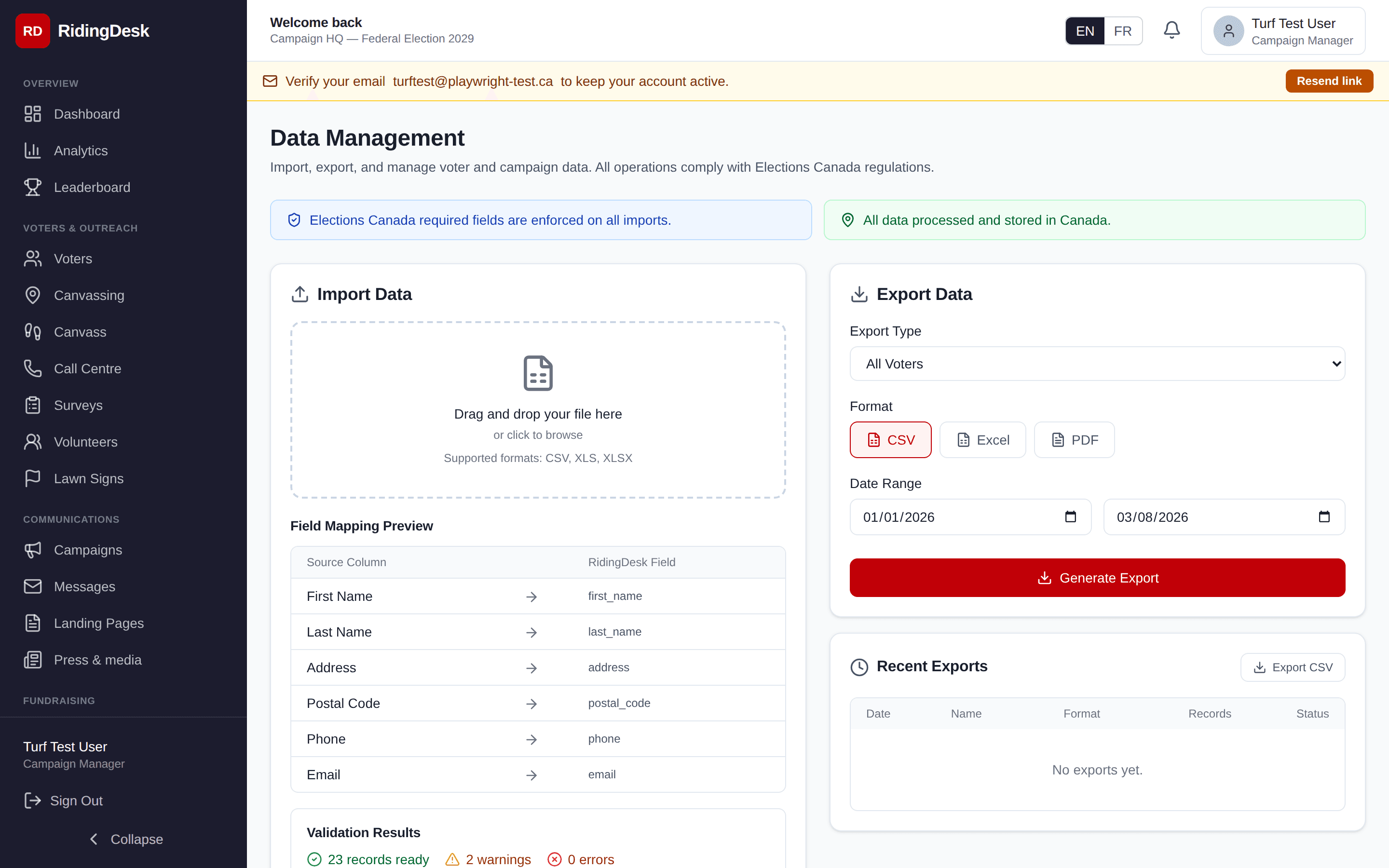
The Data module is for managing the voter file at a database level — bulk imports, exports, and cleanup operations.
CSV import
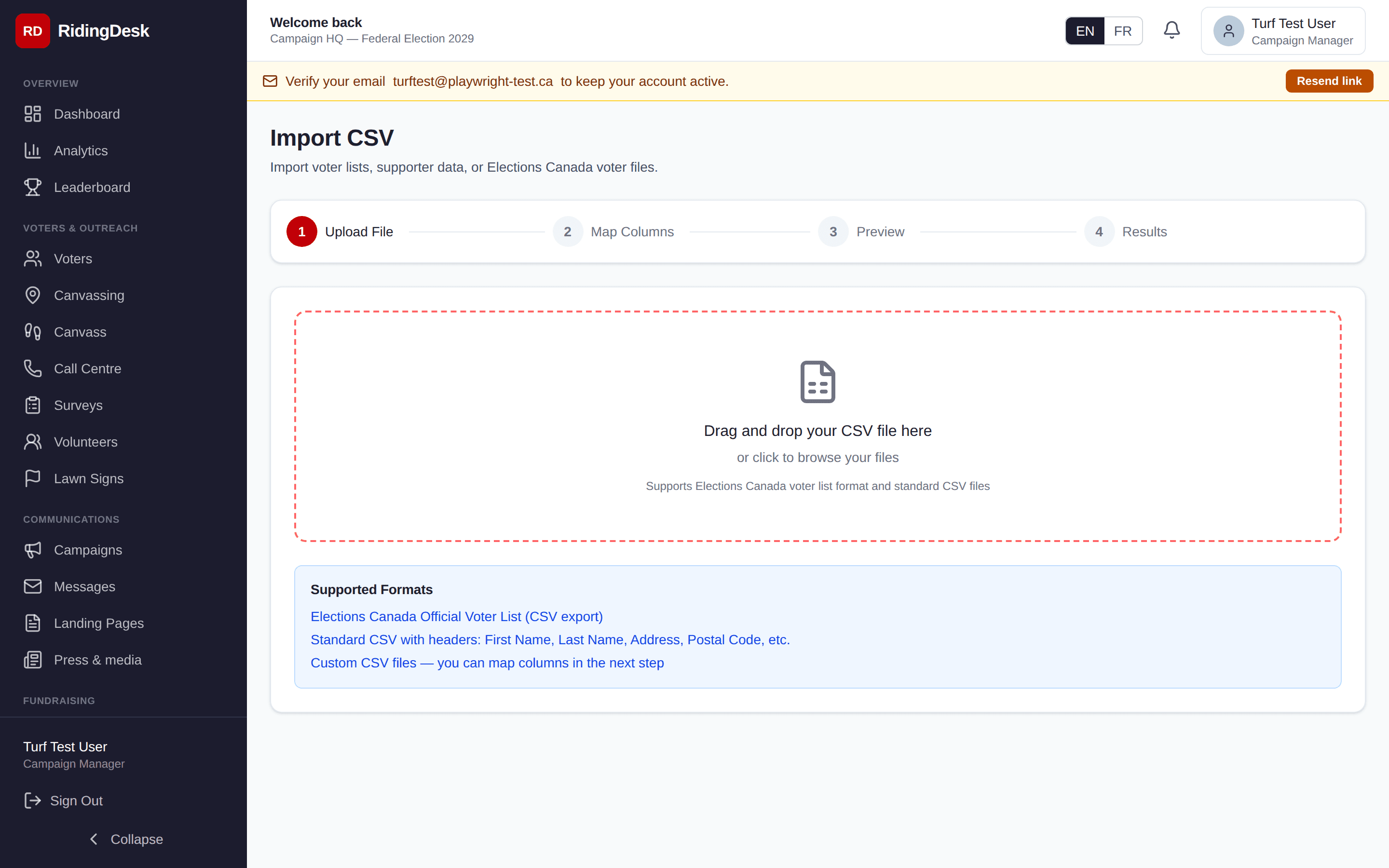
The Import flow accepts the official Elections Canada list of electors and any generic CSV. Upload the file, map your columns to RidingDesk fields (the wizard auto-detects common column names like name, address, postal code, phone, email), preview the result, and confirm. Imports are scoped to your campaign and write to the audit log.
CSV export
Voters, donations, volunteers, and canvassing results all expose CSV export endpoints. Apply any filter that’s active in the UI and the export respects it. JSON and PDF exports are on the roadmap. Planned
Bilingual Support
RidingDesk is fully bilingual: English and French. The language toggle is in the top navigation on every page; the choice persists across sessions per user.
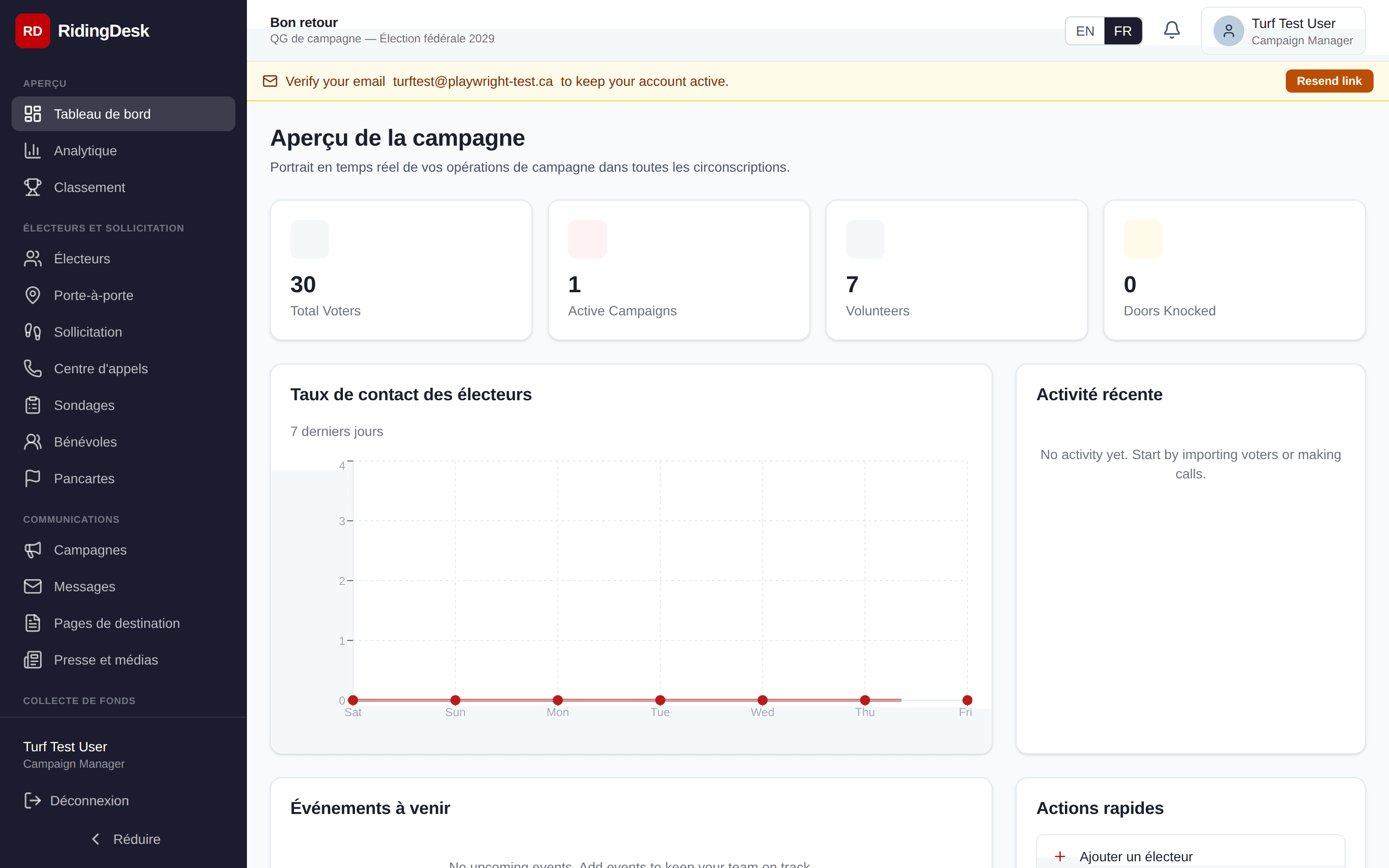
Translations use Canadian French political terminology — circonscription (riding), bureau de scrutin (polling station), pointage (voter ID), porte-à-porte(canvassing). Public-facing pages (landing pages, donation pages, the postal-lookup widget) honour the visitor’s language preference automatically.
Integrations & API
RidingDesk has a REST API for its own first-party use and exposes a small set of outbound integrations.
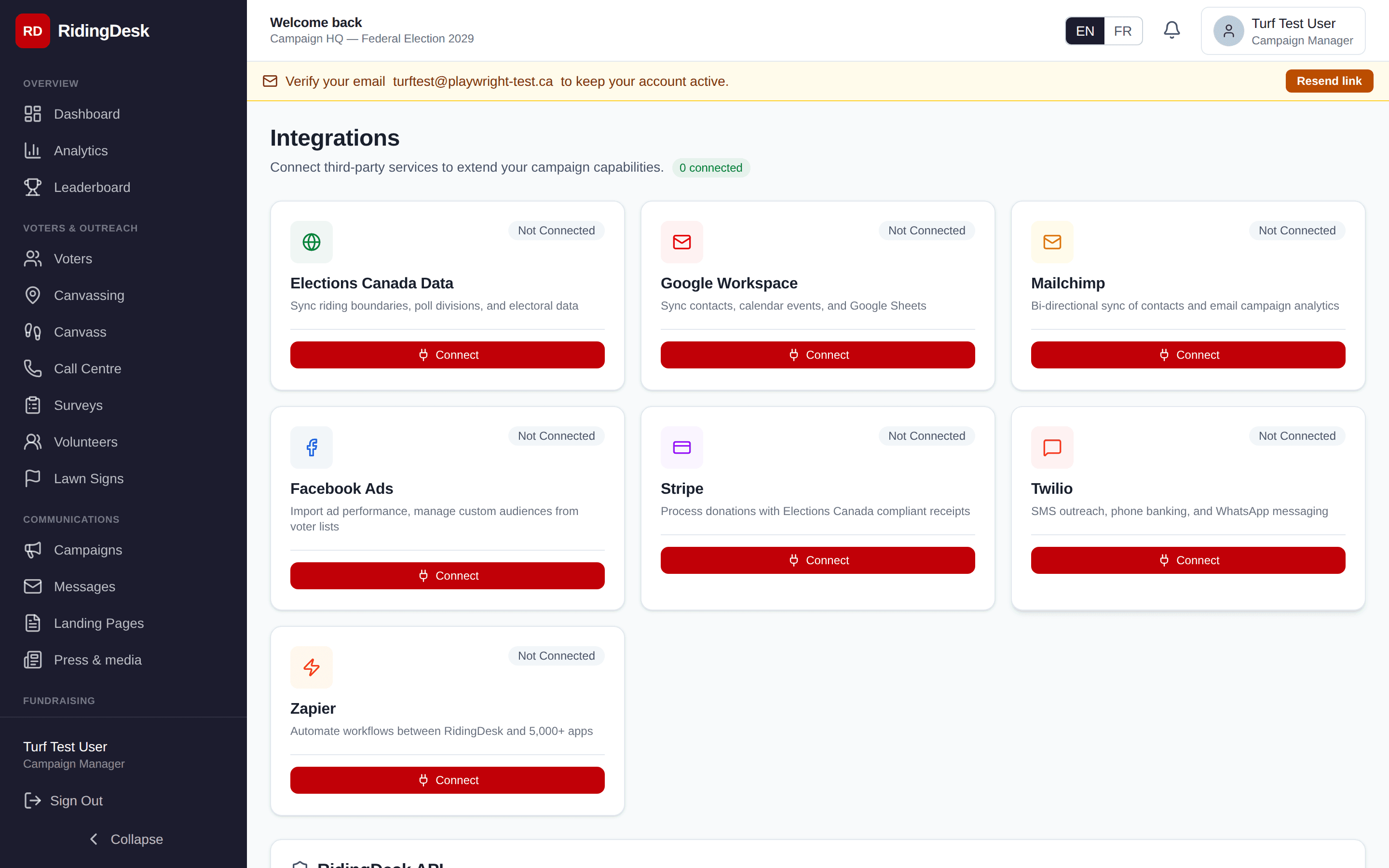
Active integrations
- Stripe— subscription billing for the platform itself, donation processing for campaigns. Each campaign uses Stripe Connect.
- AWS SES (ca-central-1)— transactional and bulk email delivery, with bounce/complaint webhooks routed back to the platform via SNS.
- Mapbox— address autocomplete on every address field. Only the address text typed by the user is sent to Mapbox; no other personal data.
- Cloudflare — DNS and CDN for static assets.
Electoral Data API
A read-only public REST API at /api/v1/electoral/* serves Canadian electoral data: list of elections, riding boundaries (with shape geometry), polls, and candidates. Keys begin with ced_. See the Electoral Data API docs for the full reference, or grab a free key from the self-service form.
Customer Data API
A read/write JSON API at /api/v1/voters, /donations, /volunteers, /canvassing, /lawn-signs, and /campaign for your campaign’s own CRM data. Keys begin with rd_live_ and are minted from Settings → API Keys (STARTER tier or higher). The official @ridingdesk/mcp-server Model Context Protocol package wraps every endpoint as a Claude Desktop tool. See the Customer Data API docs for the full reference, OpenAPI 3.1 spec, and codegen instructions.
Webhooks
The platform receives webhooks from Stripe (billing events) and from AWS SES via SNS (bounces, complaints, deliveries). Outbound webhooks — pushing campaign events to your own integrations — are on the roadmap. Planned
On the roadmap
Two-way data sync with major Canadian party voter databases (Liberalist, CIMS, Populus, NDP VoteBuilder), Google Workspace calendar/contact sync, Mailchimp list sync, Twilio voice, and outbound webhook configuration are all planned but not yet shipped. Planned
Security
Defence-in-depth measures currently in place:
- TLS 1.2+ for all traffic, with HSTS preload.
- One-way bcrypt hashing for stored passwords.
- Role-scoped database queries — every query is bound to the requesting user’s campaign and role.
- Strict Content Security Policy, X-Frame-Options, X-Content-Type-Options, and Referrer-Policy on every response.
- CSRF protection via a same-site session cookie plus token validation on state-changing requests.
- Server-side rate limiting on auth endpoints and bulk write paths.
- Input validation with Zod schemas at every API boundary.
- An immutable audit log for every privileged action.
- Production application errors are reported to Sentrywith strict PII scrubbing — request bodies, cookies, sensitive headers, and email-shaped strings are redacted before leaving the server.
Two-factor authentication (TOTP / WebAuthn), automated intrusion detection, formal third-party penetration testing, and at-rest column-level encryption for the most sensitive fields are on the security roadmap. Planned
Privacy practices — data residency, third-party processors, retention timelines — are detailed in the Privacy Policy.
Settings
Settings is where campaign administrators configure every campaign-level option.
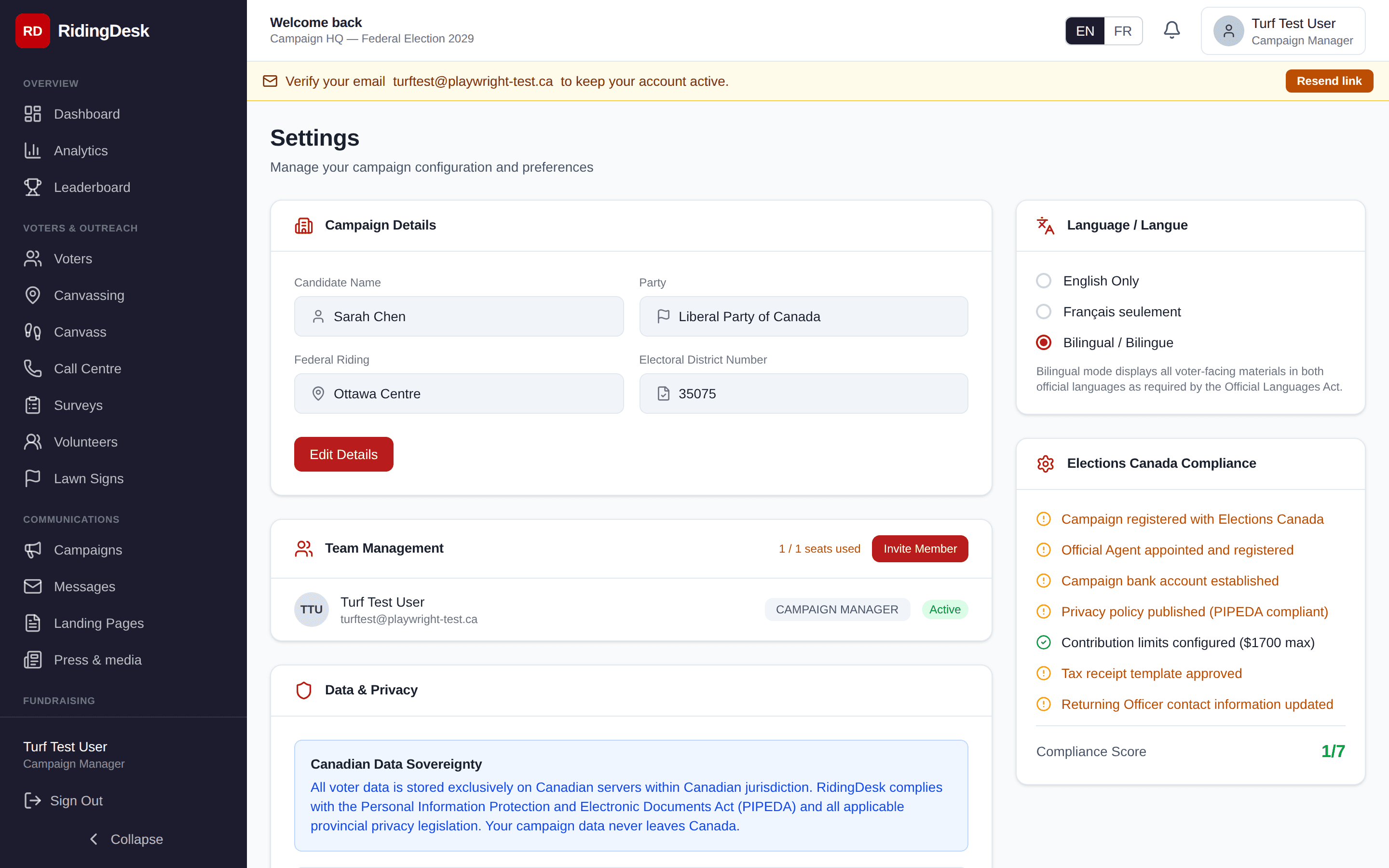
- Campaign profile— candidate name, riding, election date, party affiliation, brand colour, logo.
- Team— invite team members by email and assign one of six built-in roles: Campaign Manager, Field Director, Communications Lead, Data Analyst, Volunteer, or Observer.
- Billing— subscription tier, payment method, invoice history. Self-service plan changes via the Stripe billing portal.
- Tour — replay the guided onboarding tour at any time.
Custom roles beyond the six built-ins are on the roadmap. Planned
Audit Log
Every privileged action writes to the audit log: voter records edited, data imported or exported, donations recorded, team members invited or removed, settings changed, campaigns sent, lawn-sign status transitions. Each entry stores the user, timestamp, action type, the entity affected, and the request IP.
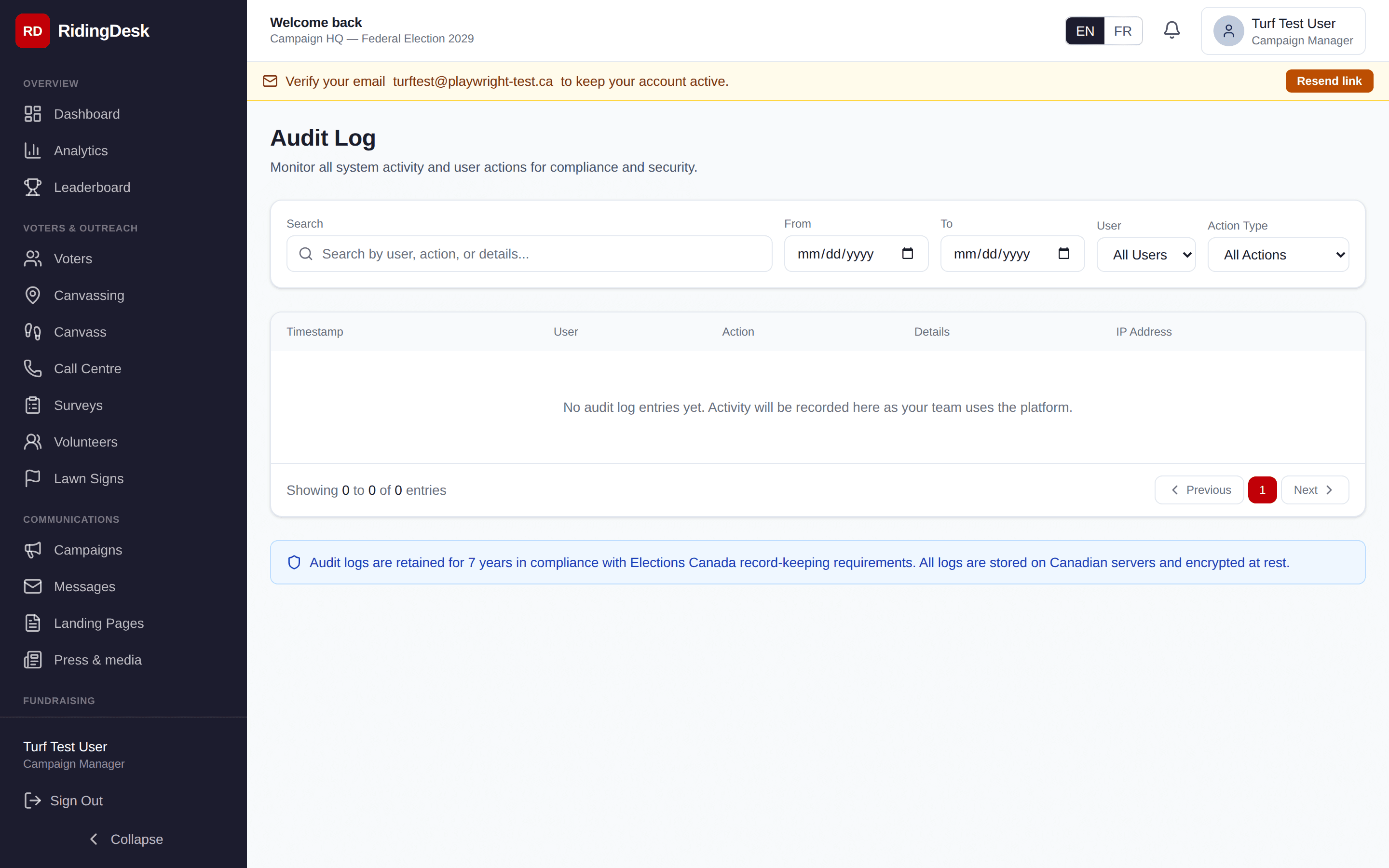
Filter by user, action type, entity type, and date range. The log can be exported as CSV. Records are immutable — nothing in the application can edit or delete a log entry, including campaign managers.
Need more help?
Email [email protected] or visit the Help Centre for guides and FAQs. The REST APIs are documented at /docs/api.